



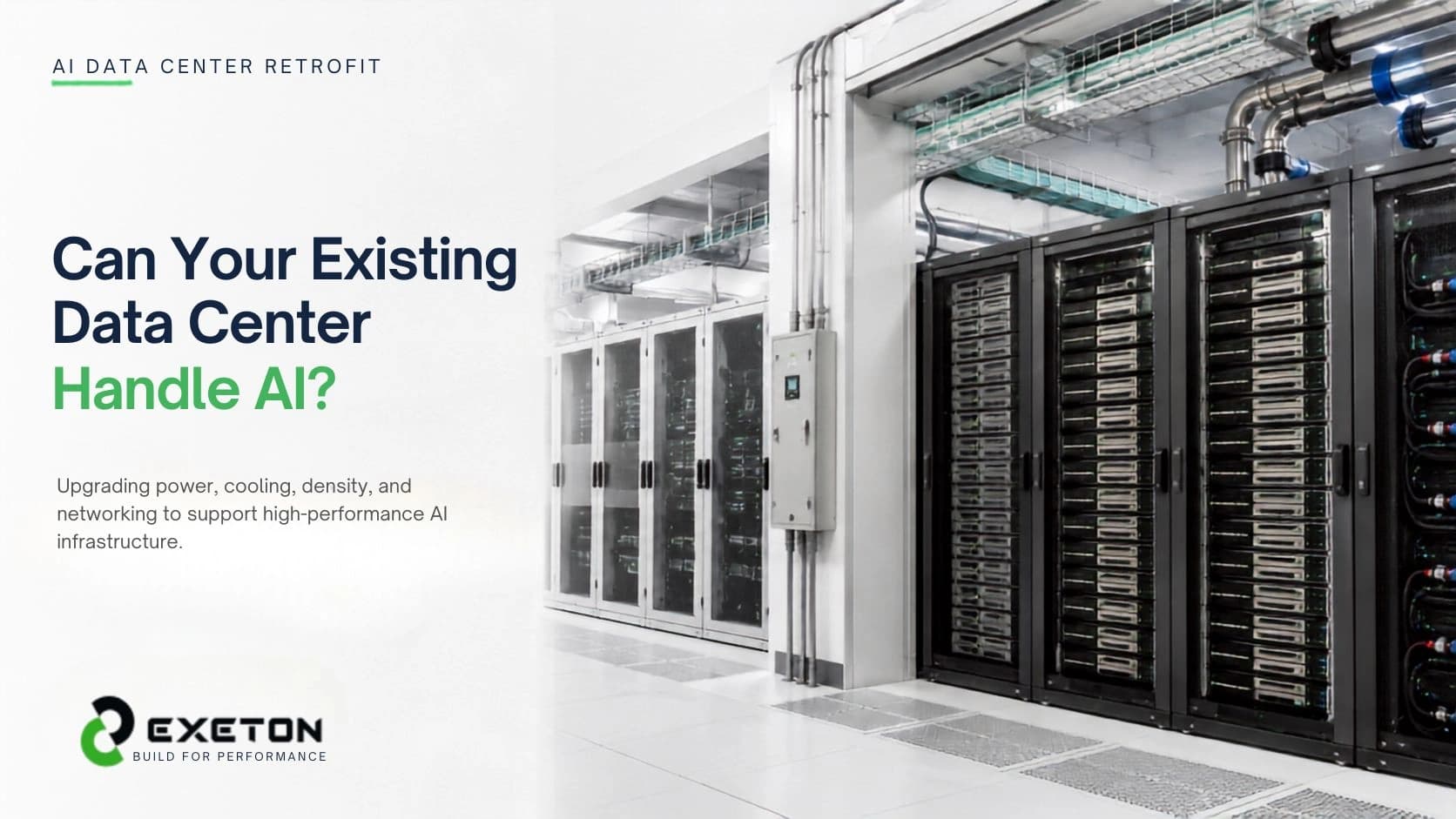
How to Retrofit an Existing Data Center for AI & Liquid Cooling: Power, Rack Density & Infrastructure Guide
Article Summary
Retrofitting a data center for AI is not simply about installing GPU servers; power, cooling, rack density, networking, and physical infrastructure must be assessed together.
Liquid cooling, especially direct-to-chip cooling, can help existing facilities support AI workloads that exceed the practical limits of conventional air cooling.
A phased retrofit, starting with an infrastructure assessment and pilot deployment, can be more practical than rebuilding an entire data center.
Can Your Existing Data Center Handle AI?
What happens when a data center designed for conventional enterprise servers suddenly needs to accommodate racks filled with high-performance GPUs?
The challenge isn't just getting enough servers into the room. AI infrastructure can concentrate significantly more power and heat into individual racks, forcing operators to reconsider how electricity gets delivered and how that heat gets removed. Current AI deployments can push rack densities far beyond the assumptions behind many legacy facilities.
For organizations considering this transition, Exeton approaches AI infrastructure as an end-to-end system, from hardware integration to data-center deployment and support.
The good news: an existing facility doesn't automatically need to be demolished and rebuilt. With the right assessment, parts of the existing infrastructure can often be retained and upgraded.
What Should You Check Before Adding AI Servers?
Before choosing GPUs or a cooling technology, assess the facility itself.
Infrastructure | What to Check | Why It Matters |
Power | Utility, UPS, PDU and circuit capacity | AI racks can dramatically increase electrical demand |
Cooling | CRAH/CRAC, chillers and heat rejection | Every watt consumed by IT eventually becomes heat |
Rack density | kW available per rack | Existing racks may not be designed for dense GPU systems |
Networking | Switches, uplinks and cabling | AI clusters require high-bandwidth connections |
Physical infrastructure | Floor loading and service clearance | Dense equipment can change structural and maintenance requirements |
The key is to evaluate these areas together. Increasing rack power without increasing the facility's ability to remove heat simply moves the bottleneck from the electrical room to the cooling system.
How Much Power Does an AI Data Center Retrofit Need?
There is no universal “AI rack power requirement.”
It depends on the GPU platform, server configuration, networking, storage and workload. Some modern AI systems operate at rack densities far beyond traditional enterprise environments, so the correct starting point is the actual hardware configuration, not a generic rack number.
Power planning should cover:
Utility capacity
Switchgear and distribution
UPS capacity
Rack PDUs
Backup generation
Power redundancy
Future expansion headroom
In other words, don't ask only, “Can this rack power the GPUs?”
Ask, “Can the entire power path reliably support this rack under real workloads and future expansion?”
That distinction becomes particularly important for AI clusters, where multiple systems can experience large, synchronized changes in demand.
When Does Air Cooling Stop Being Enough?
Air cooling isn't suddenly useless when AI arrives. The problem is heat concentration.
A conventional server room may have enough cooling capacity overall but still struggle when dozens of high-power GPUs are concentrated in a small number of racks.
That's where containment, higher-capacity airflow, rear-door heat exchangers (RDHx), or liquid cooling can become relevant.
For many AI deployments, direct-to-chip liquid cooling places a cold plate directly against heat-generating components such as GPUs and CPUs. Coolant carries heat away from those components before it becomes a large room-air problem.
For a deeper explanation, see our guide to [direct-to-chip liquid cooling for AI data centers].
Can Liquid Cooling Be Added to an Existing Data Center?
Yes, but it needs to be treated as an infrastructure project, not a simple server accessory.
A retrofit may involve:
Coolant distribution units (CDUs)
Facility or secondary water loops
Pumps and manifolds
Cold plates
Heat exchangers
Piping and quick-disconnects
Leak detection
Temperature and flow monitoring
Heat-rejection equipment
A hybrid approach can be particularly useful. Existing air cooling can continue handling residual heat from memory, networking, power supplies and other components while direct liquid cooling removes heat from the highest-load chips. AMD's data-center guidance describes hybrid DLC/RDHx approaches specifically as an incremental option for high-density AI and HPC environments.
This can allow operators to upgrade selected AI zones rather than redesigning the entire facility.
What Changes When Rack Density Goes Up?
Rack density affects much more than cooling.
A high-density AI rack needs appropriate:
Electrical distribution
Cooling connections
Network connectivity
Rack and floor capacity
Cable routing
Service clearance
Monitoring
Maintenance procedures
That means a rack can have enough physical space for an AI server and still not be AI-ready.
This is why retrofit planning should begin with the intended workload and rack architecture. Once the expected density is known, the facility requirements can be designed around it.
Should You Retrofit Everything at Once?
Usually, a phased approach is easier to validate and manage.
A practical AI retrofit can follow these steps:
Audit the existing facility - Document power, cooling, space, networking and structural constraints.
Define the workload - Determine the GPUs, servers, storage and networking the AI workload actually requires.
Calculate power and thermal loads - Size the electrical and cooling infrastructure around the planned deployment.
Choose the cooling architecture - Air, RDHx, direct-to-chip, immersion or a hybrid approach.
Build a pilot AI zone - Test a rack or small cluster under realistic operating conditions.
Validate and monitor - Check temperatures, power, flow, network performance and operational procedures.
Scale in phases - Expand only after the first deployment demonstrates that the infrastructure can support it.
This approach can also expose hidden constraints before they become expensive problems.
For organizations evaluating multiple cooling strategies, the [AI data center cooling complete guide] provides a broader view of liquid cooling, thermal management and high-density GPU infrastructure.
Which Cooling Option Makes Sense for a Retrofit?
The answer depends on the target rack density and existing facility.
Cooling Approach | Best Suited For | Retrofit Consideration |
Advanced air cooling | Moderate-density workloads | Lowest infrastructure change |
RDHx | Higher-density racks | Can extend existing air-cooled environments |
Direct-to-chip | Dense GPU/AI systems | Requires liquid distribution infrastructure |
Immersion | Specialized extreme-density deployments | Greater hardware and operational changes |
There is no single cooling technology that makes every data center AI-ready. The facility's power availability, cooling architecture, water infrastructure, equipment compatibility and expansion plans all matter.
For example, [rear-door heat exchangers for AI data centers] can be worth evaluating when operators need more rack-level cooling capacity without immediately converting every server to direct liquid cooling.
What Is the Biggest AI Retrofit Mistake?
Designing around the server instead of the entire facility.
Buying powerful GPUs first and solving power, cooling and networking afterward can create bottlenecks that are expensive to fix.
A better approach is to work backward from the workload:
AI workload → server configuration → rack density → power requirement → cooling architecture → facility upgrades.
That sequence keeps the infrastructure decision connected to the actual business and compute requirement.
AI Data Center Retrofit Checklist
Before deployment, confirm:
Power and UPS capacity
Rack-level electrical capacity
Cooling and heat-rejection capacity
Liquid-cooling feasibility
Rack and floor loading
Network and cabling requirements
Leak detection and monitoring
Maintenance access
Redundancy requirements
Pilot deployment strategy
Future expansion capacity
Build for AI Without Rebuilding Everything
Retrofitting an existing data center for AI is ultimately an exercise in matching infrastructure to workload.
The right solution may involve additional power distribution, better airflow, RDHx, direct-to-chip liquid cooling, or a hybrid architecture that combines several technologies. What matters is that the decision is based on the actual GPU infrastructure, rack density and facility constraints.
Exeton helps organizations plan, integrate and support AI and HPC infrastructure, from GPU-based systems to data-center deployment and lifecycle support.
If you're planning to bring high-density AI infrastructure into an existing facility, start with an infrastructure and workload assessment before selecting the servers or cooling architecture. That first step can determine whether you need a targeted retrofit, a dedicated AI zone, or a larger facility upgrade.