



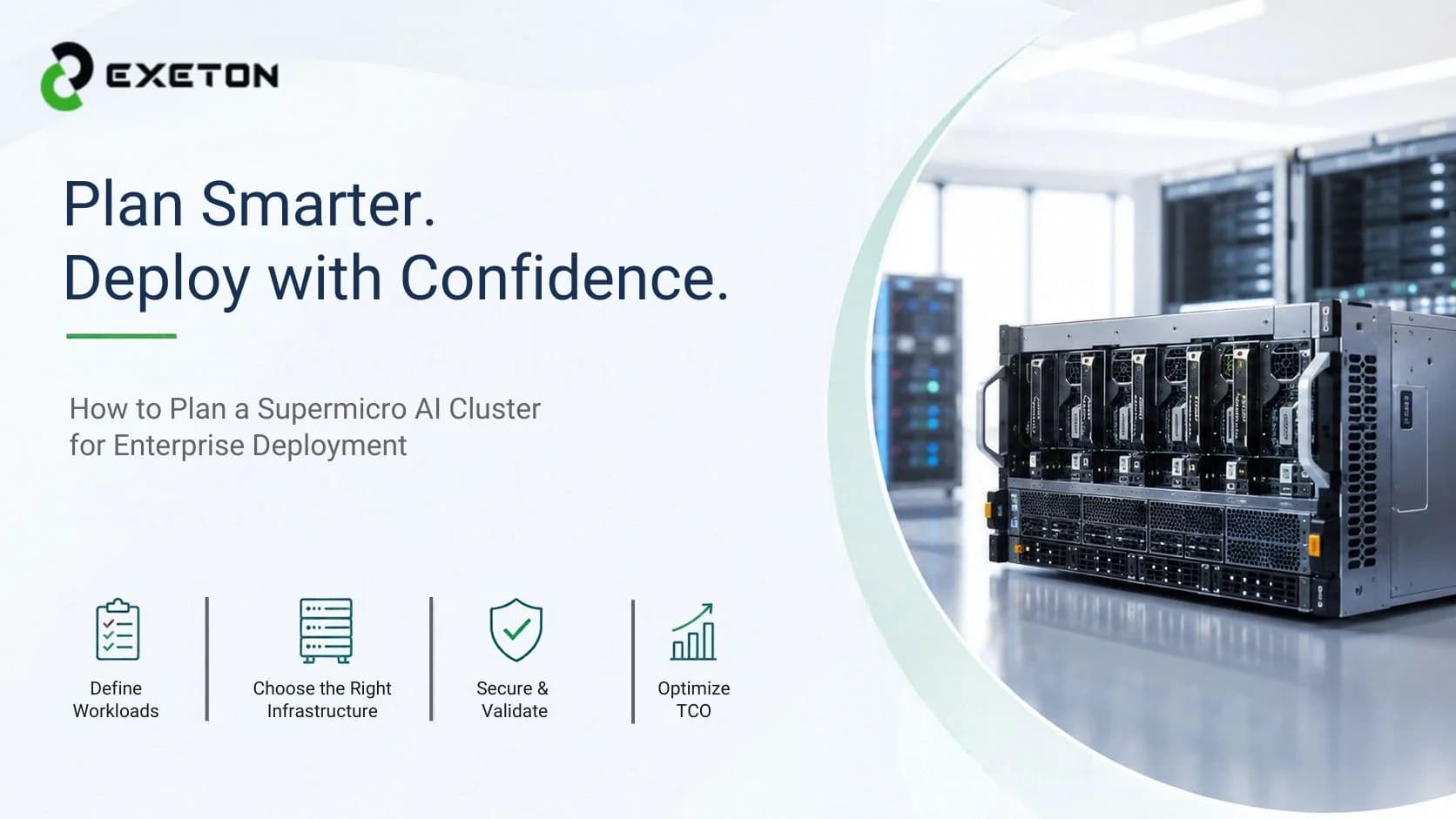
How to Plan a Supermicro AI Cluster for Enterprise Deployment
Article Summary:
Define your AI workloads and performance requirements before selecting Supermicro GPU servers.
Plan power, cooling, networking, storage, security, and software as part of one integrated infrastructure.
Calculate total cost of ownership and validate the complete cluster before moving workloads into production.
More GPUs Don't Automatically Mean Better AI Performance
What happens when you invest in powerful GPUs, only to discover that your network, storage, or cooling system cannot keep up?
It is a challenge enterprises can avoid with the right planning. A Supermicro AI cluster is more than a collection of high-performance servers. It is an integrated computing environment designed to handle demanding workloads reliably and scale as business needs evolve.
Exeton helps organizations navigate AI compute infrastructure, hardware integration, and data center requirements. Whether you're building your first AI environment or expanding an existing facility, the goal is the same: create a cluster that delivers the performance you need without unnecessary complexity or cost.
What Should You Define Before Choosing Supermicro AI Servers?
Start with the workload, not the hardware catalogue.
Are you training large language models, running inference for customer-facing applications, fine-tuning existing models, or performing high-performance computing (HPC) simulations? Each workload places different demands on GPU memory, processing power, storage, and networking.
Before selecting a configuration, establish:
Model requirements: Determine model size, dataset volume, and GPU memory needs.
Performance targets: Define acceptable response times, throughput, and training duration.
Capacity requirements: Estimate concurrent users, jobs, and expected growth.
Deployment scale: Decide whether a single GPU server is sufficient or multiple interconnected nodes are necessary.
A smaller, well-matched configuration may deliver better value than an oversized cluster that remains underutilized. Establishing these requirements early makes every subsequent hardware and infrastructure decision more meaningful.
How Do You Choose the Right Supermicro GPU Server Configuration?
The right Supermicro AI server depends on the workload, accelerator requirements, and available infrastructure.
Evaluate GPU count and memory, CPU capacity, system RAM, local storage, expansion options, and compatibility with your preferred AI software. For demanding training workloads, GPU-to-GPU communication and multi-node scaling can be just as important as raw accelerator performance.
Supermicro platforms supporting NVIDIA accelerators, including B200- and B300-based configurations where available, may suit different enterprise requirements. However, not every platform supports every workload equally well. Confirm the exact system configuration, compatibility, and availability before making a purchasing decision.
Enterprise workload | Key configuration priorities |
AI model training | GPU memory, accelerator interconnects, high-speed networking |
AI inference | Throughput, latency, and memory capacity |
Data-intensive computing | System RAM, storage performance, and data throughput |
Growing AI operations | Expansion capacity, rack space, and power availability |
For a broader comparison of enterprise configurations, explore the best GPU servers for enterprise workloads.
Can Your Data Center Handle the Cluster's Power, Cooling, and Networking Needs?
A powerful GPU cluster is only as effective as the facility supporting it. This is where infrastructure planning becomes essential.
Power:
Calculate the expected electrical load for the complete configuration, including servers, networking equipment, and supporting systems. Check rack-level limits, power distribution, redundancy, and available facility capacity.
Cooling:
High-density AI servers generate substantial heat. Depending on the selected hardware and rack design, you may need carefully engineered airflow, upgraded cooling capacity, or liquid-cooling infrastructure. Confirm the manufacturer's requirements before finalizing the design.
Networking and storage:
Distributed training depends on fast communication between nodes. High-bandwidth, low-latency networking helps prevent communication bottlenecks, while appropriately sized storage keeps datasets and checkpoints accessible.
These elements must be designed together. Adding servers without accounting for their power, thermal, and networking requirements can increase costs and delay deployment.
How Should Enterprises Plan Security, Compliance, and Deployment?
An AI cluster must be ready for production operations, not just capable of running a successful benchmark.
Begin with identity and access management, network segmentation, data protection, firmware updates, and monitoring. If your organization handles regulated or sensitive information, identify the legal, contractual, and industry-specific requirements that apply to your deployment.
Hardware validation is equally important. Verify component compatibility, test workloads under realistic conditions, document the configuration, and establish maintenance and escalation procedures before going live.
Enterprises evaluating documentation or compliance-related requirements can consult Exeton's compliance forms. Requirements vary by organization and jurisdiction, so confirm which documentation and controls apply to your specific project.
Exeton's AI hardware integration and infrastructure services can also be relevant when planning the transition from system configuration to deployment and ongoing support.
What Is the Total Cost of Deploying a Supermicro AI Cluster?
The purchase price is only one part of the investment.
A realistic total cost of ownership (TCO) includes:
GPU servers, processors, memory, and storage.
High-speed networking and supporting infrastructure.
Rack installation, power distribution, and cooling upgrades.
Software licensing, integration, and validation.
Electricity, maintenance, warranties, and support.
Future expansion and hardware replacement.
For example, a server configuration that appears less expensive initially may require costly facility upgrades or additional networking equipment. Comparing complete deployment costs provides a more useful basis for decision-making than comparing server prices alone.
What Should You Check Before Going Live?
Before moving production workloads onto your Supermicro AI cluster, use this checklist:
Workload benchmarks meet agreed performance targets.
GPU, CPU, memory, storage, and networking compatibility is verified.
Power delivery and cooling capacity have been validated.
Security controls, monitoring, and software configurations are operational.
Backup, recovery, and maintenance procedures are documented.
Warranties, support responsibilities, and escalation paths are confirmed.
Expansion requirements and future capacity have been considered.
Testing the complete environment under realistic operating conditions helps identify bottlenecks before they affect business operations.
Build Around Your Workload, Not Just Your GPU Count
Planning a Supermicro AI cluster requires more than choosing powerful servers. Workload assessment, balanced infrastructure, security, realistic budgeting, and deployment validation all contribute to a successful enterprise implementation.
Exeton supports organizations exploring AI compute infrastructure, system integration, and data center solutions tailored to their technical requirements. If you're planning a new cluster or expanding existing capacity, talk to Exeton about your workload, infrastructure needs, and deployment goals before finalizing your configuration.