



Best GPU Servers for Enterprise AI Workloads: What to Look for in 2026
Article Summary
The right enterprise GPU server depends on the workload, memory requirements, scalability, networking, power, cooling, and support—not simply the number of GPUs.
Different workloads call for different configurations, from single-GPU systems to dense multi-GPU servers and clustered infrastructure.
Enterprise buyers should evaluate the complete infrastructure and lifecycle support before committing to a server platform.
Buying the fastest GPU is easy. Building the right server around it is harder.
For an enterprise, choosing a GPU server isn't simply a matter of comparing GPU specifications. The server has to work within the organization's existing infrastructure, handle its workload efficiently, and leave enough room for future growth.
That's where Exeton comes in. As a provider of GPU infrastructure, HPC systems, integration, and data-center services, Exeton helps organizations evaluate the complete computing environment rather than looking at a GPU in isolation.
So, what makes a GPU server suitable for enterprise workloads? More importantly, how do you determine which configuration actually fits your needs?
What Makes a GPU Server Suitable for Enterprise AI Workloads?
A GPU server is more than a chassis filled with graphics processors. Its overall architecture determines how effectively those GPUs can be used.
Key factors include:
GPU architecture and memory: The GPU needs enough processing capability and VRAM for the workload.
Number of GPUs: More GPUs can increase capacity, but only when the workload and software can use them effectively.
CPU and system memory: The CPU still handles important tasks such as data preparation, orchestration, and system operations.
GPU interconnect: High-speed communication between GPUs can become important for workloads that distribute computation across multiple processors.
Networking: Large datasets and distributed workloads can require high-bandwidth, low-latency networking.
Storage: Fast storage helps keep data flowing to the processors instead of creating a bottleneck.
Power and cooling: High-density GPU systems can have substantial power and thermal requirements.
Management and support: Remote management, warranty coverage, maintenance, and deployment support matter in production environments.
In other words, the best configuration is the one where these components work together.
How Do You Choose the Best GPU Server for Your AI Workload?
Start with the workload, not the hardware.
A research organization running simulations may have very different requirements from an enterprise deploying large-scale inference or an engineering team performing rendering and simulation.
Workload | Important Considerations |
Model training | GPU memory, GPU count, interconnect |
Inference | Memory, latency, efficiency |
Scientific computing | Compute precision, memory, networking |
Engineering simulation | CPU/GPU balance, memory |
Rendering | GPU performance, VRAM |
Large-scale deployments | Networking, density, cooling, manageability |
This approach prevents a common mistake: paying for hardware capabilities that the workload cannot actually use.
For example, an eight-GPU system may look impressive on paper, but if the application doesn't scale efficiently across eight GPUs, a smaller configuration could make more practical sense.
How Many GPUs Does an Enterprise Server Need?
There isn't a universal answer.
Single-GPU systems can make sense for specific workloads or development environments. Two- or four-GPU servers can provide additional capacity while remaining relatively straightforward to deploy. Eight-GPU platforms are designed for more demanding workloads where dense compute and multi-GPU processing are justified.
Beyond individual servers, organizations can also build clusters that connect multiple systems.
The important consideration is scaling efficiency. Adding GPUs only helps when the application, data pipeline, memory requirements, networking, and supporting infrastructure can keep those GPUs productively occupied.
Planning for future growth is equally important. A server that meets today's requirements but leaves no practical path for expansion can become an expensive limitation later.
What Should You Check Beyond the GPUs?
This is where enterprise GPU infrastructure becomes more complicated.
A high-performance server needs an environment capable of supporting it. Before purchasing, organizations should evaluate:
Available rack space
Power capacity
Cooling capability
Network bandwidth
Storage performance
Software compatibility
Remote management
Data-center connectivity
Warranty and maintenance requirements
For organizations upgrading existing facilities, understanding whether the current environment can support newer, higher-density systems is particularly important. Factors such as power delivery, thermal management, rack design, and networking can influence the deployment as much as the server itself.
For a deeper look at these considerations, Exeton discusses whether your existing data center can handle modern GPU servers.
What Does an Enterprise GPU Server Cost?
There is no meaningful single price for an enterprise GPU server.
The final cost can vary significantly depending on the GPU model, number of GPUs, CPU, system memory, storage, networking, chassis, power requirements, and support services.
That's why buyers should look beyond the initial hardware price.
A more useful calculation considers the total deployment cost: hardware, installation, infrastructure upgrades, support, maintenance, power, cooling, and the expected lifecycle of the system.
Enterprise GPU Servers Need More Than Hardware
Enterprise deployments often involve requirements that don't appear on a product specification sheet.
Organizations may need assistance with system integration, deployment, testing, warranty management, compliance documentation, maintenance, and ongoing technical support.
For companies operating in regulated or highly controlled environments, compliance requirements can also become part of the procurement process. Exeton provides resources for organizations working through these requirements, including its compliance forms.
This is one reason choosing an infrastructure provider can involve more than comparing individual server specifications.
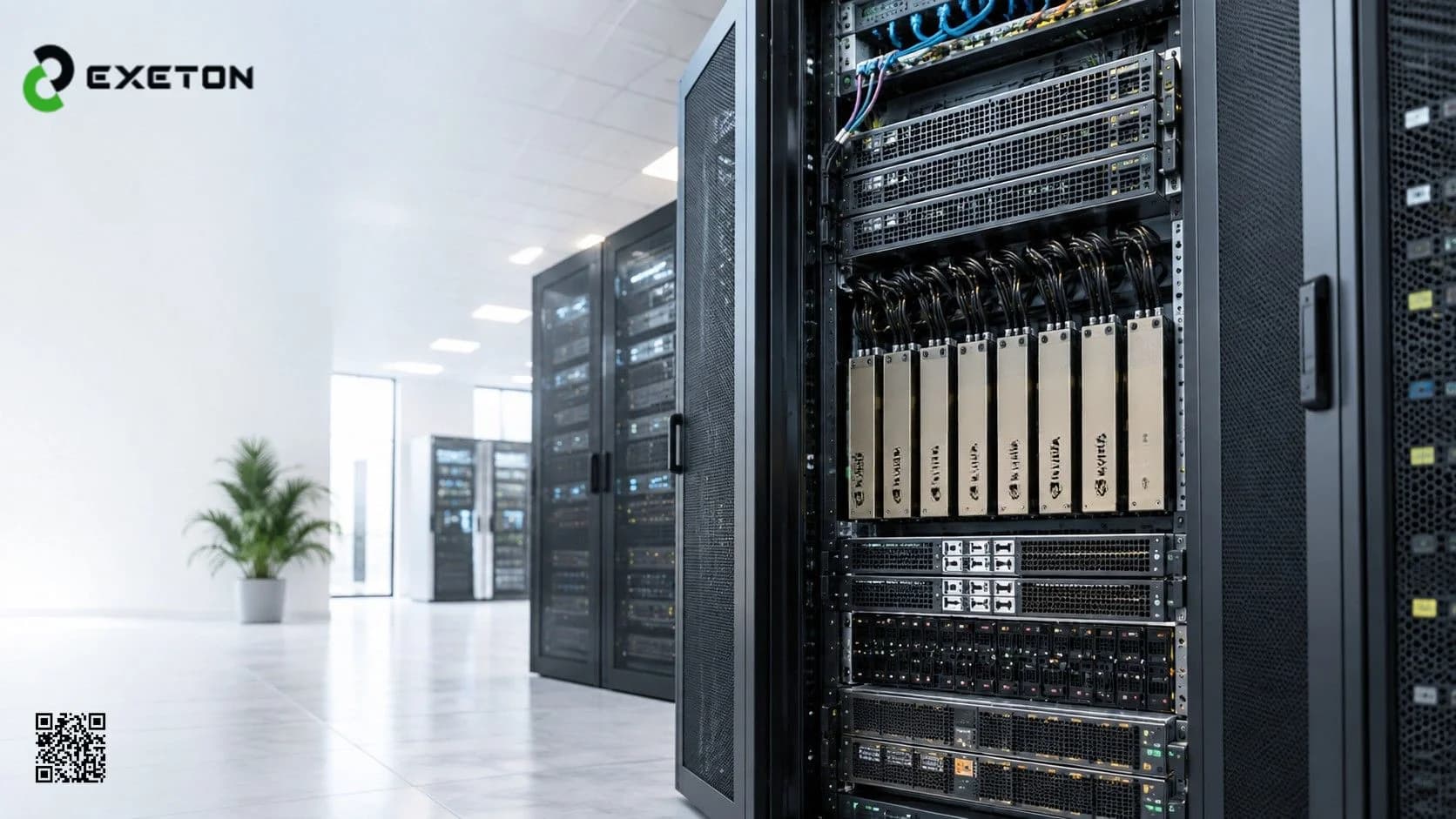
What Does a High-Density Enterprise GPU Server Look Like?
High-density systems are designed to put substantial compute capability into a relatively compact rack footprint.
For example, the Supermicro 10U B200 Gold Series GPU Server SYS represents the type of platform organizations may evaluate when they need dense multi-GPU infrastructure.
When assessing a system in this class, buyers should look beyond the GPU configuration and examine memory, networking, storage, power requirements, cooling, physical dimensions, management capabilities, and support.
The right question isn't simply, "How powerful is this server?"
It's "Does this server make sense for our workload and our environment?"
Frequently Asked Questions
What is the best GPU server for enterprise workloads?
The best GPU server depends on the workload, GPU memory requirements, number of GPUs, networking, data-center capacity, software environment, and expected growth. There is no single configuration that is optimal for every enterprise.
How do I choose an enterprise GPU server?
Start by identifying the workload and its compute, memory, storage, and networking requirements. Then evaluate suitable GPU configurations alongside power, cooling, rack space, management, warranty, and support requirements.
Is an 8-GPU server better than a 4-GPU server?
Not necessarily. An eight-GPU server can provide more compute capacity, but the workload must be capable of using those GPUs efficiently. Infrastructure and power requirements also increase with system density.
What should I consider besides GPU performance?
Consider GPU memory, CPU and system RAM, networking, storage, power, cooling, software compatibility, manageability, warranty, maintenance, and the ability to scale as requirements change.
Conclusion
Choosing an enterprise GPU server isn't about finding the biggest or most expensive configuration. It's about matching the complete system to the work it needs to perform.
Workload requirements, GPU memory, scalability, networking, storage, power, cooling, data-center readiness, and long-term support all deserve consideration before a purchase decision is made.
Exeton helps organizations evaluate and deploy GPU infrastructure with the broader environment in mind, from individual systems to larger enterprise and HPC deployments. For organizations planning their next GPU server investment, starting with the workload, and working outward to the infrastructure, is often the most practical approach.