



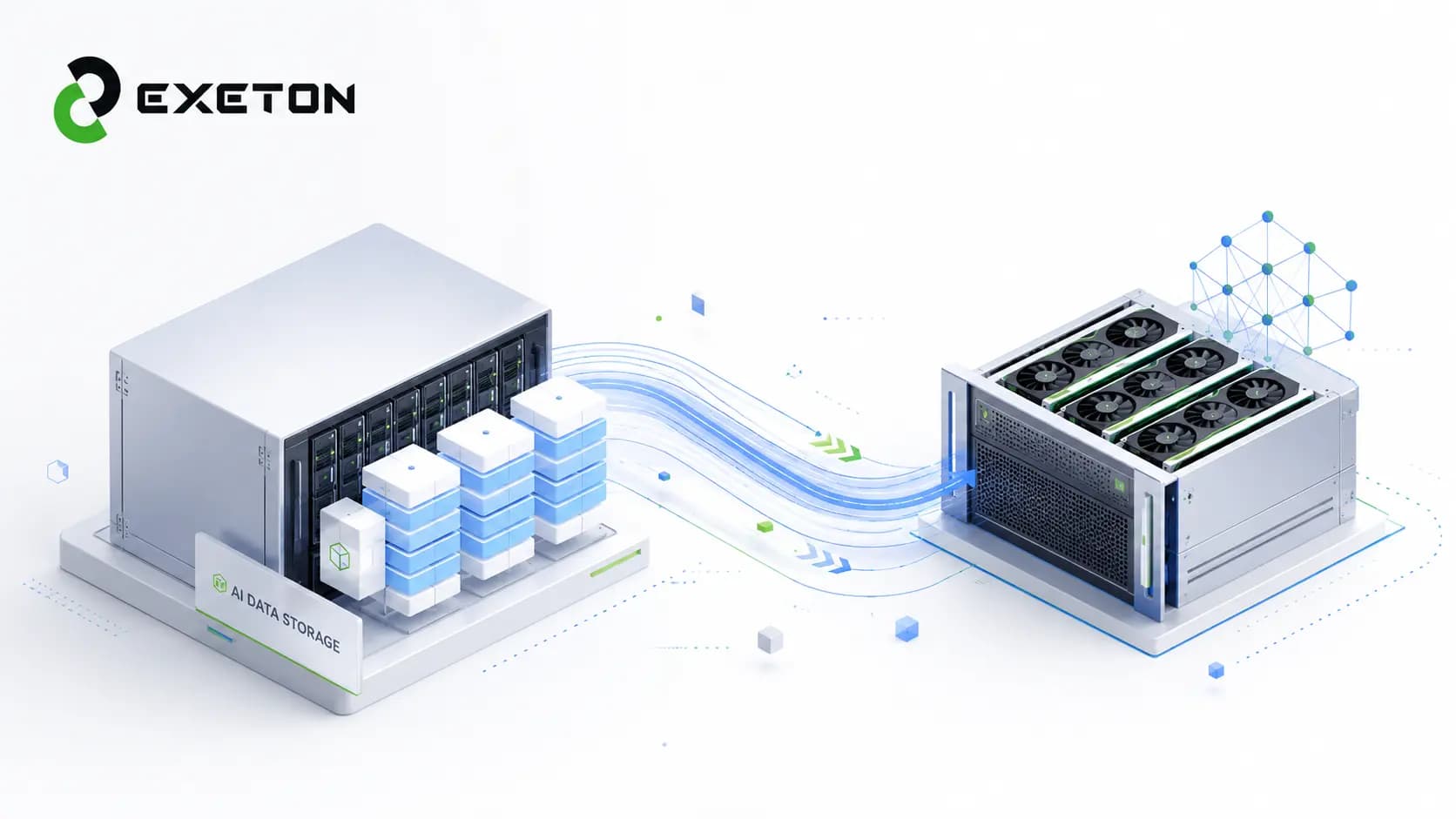
How to Design Storage for Large AI Datasets
What happens when your GPUs are ready to train, but your data cannot arrive fast enough?
That is where storage can quietly become one of the biggest bottlenecks in an AI infrastructure stack. A powerful GPU cluster can only work efficiently when it has a reliable stream of data to process. Large training datasets, processed files, model checkpoints, logs, and backups all compete for storage resources.
For organizations building AI infrastructure, Exeton approaches storage as part of the larger compute system, not as an isolated capacity purchase. The right design depends on how much data you have, how quickly it needs to move, how many GPUs need access, and how fast that environment is expected to grow.
Why Does AI Need High-Performance Storage?
AI workloads can generate and consume data at a scale that traditional storage designs may struggle to handle.
Imagine your GPUs as workers and your storage as a warehouse. You can add more workers, but if the warehouse cannot deliver materials quickly enough, those workers spend time waiting.
During AI training, storage may need to handle:
Large dataset reads
Multiple GPUs requesting data simultaneously
Model checkpoints
Processed and temporary datasets
Logs and model artifacts
This is why storage throughput, the amount of data storage can deliver over time, can matter just as much as capacity.
What Should You Consider Before Choosing AI Storage?
Before buying storage, start with the workload rather than the number of terabytes you think you need.
Factor | Why it matters |
Capacity | Determines how much data you can keep |
Throughput | Determines how quickly data can move |
Latency | Determines how quickly storage responds |
Scalability | Determines how easily the system can grow |
Reliability | Protects data and keeps workloads running |
Also consider your GPU count, dataset growth, number of simultaneous jobs, read/write patterns, checkpoint frequency, and network bandwidth.
A common mistake is assuming that more capacity automatically means better AI performance. It does not. A large storage system can still become a bottleneck if it cannot deliver data quickly enough.
Which Storage Type Is Right for AI Workloads?
There is no single “best” storage for every AI environment. Different layers can serve different purposes.
NVMe SSD Storage
NVMe is a high-speed storage protocol commonly used with SSDs. NVMe SSDs are particularly useful when workloads need fast access to active data.
They can be used for:
Active training datasets
Scratch space
Frequently accessed files
Fast checkpoint staging
Object Storage
Object storage is designed for scalable data storage rather than extremely low-latency access.
It can be a good fit for:
Raw datasets
Large data repositories
Backups
Archived models
Older checkpoints
This allows organizations to keep large volumes of data without putting every terabyte on premium high-performance storage.
Parallel or Distributed File Systems
For larger AI clusters, multiple servers may need to access the same data at the same time. Parallel or distributed file systems, such as Lustre or BeeGFS, can provide high-throughput shared storage for these environments.
The important point is to match the architecture to the workload rather than selecting storage based solely on specifications.
What Does a Practical AI Storage Architecture Look Like?
A useful approach is to divide data into hot, warm, and cold tiers.
Hot: NVMe or high-performance SSD storage for active training and temporary workloads.
Warm: Shared high-performance storage for datasets that are frequently reused.
Cold: Object or archive storage for historical data, backups, and older checkpoints.
A simplified workflow might look like:
Object Storage → Data Preparation → Fast Shared Storage → GPU Cluster
This approach can balance performance and cost. Your most frequently accessed data gets fast storage, while less active data moves to more capacity-oriented tiers.
Can a Network Become the AI Storage Performance?
Yes.
Storage performance does not exist in isolation. Data must travel between storage systems and compute nodes, and that connection can become a limiting factor.
For larger AI environments, consider:
Network bandwidth
Number of concurrent GPU requests
Storage-to-server connectivity
Multi-node data movement
Network scalability
A fast storage system connected through an insufficient network can still behave like a slow storage system.
This is one reason storage, networking, and GPU selection should be considered together when designing AI infrastructure.
For organizations planning GPU deployments, understanding current hardware availability can also be useful. See Exeton's guide to the 2026 GPU shortage and hardware availability.
How Should You Plan Storage for Future Growth?
Your dataset today may be only a fraction of what you will manage tomorrow.
Plan for:
Dataset growth
Additional GPUs and compute nodes
Storage expansion
Redundancy
Backup and recovery
Checkpoint protection
Monitoring
Data lifecycle management
The goal is not necessarily to purchase everything upfront. Instead, build an architecture that allows capacity and performance to expand without redesigning the entire environment.
This becomes particularly important as AI infrastructure expands globally. Exeton's discussion of why the UAE and Saudi Arabia are becoming global AI infrastructure leaders highlights how computing, data centers, networking, and other physical infrastructure are increasingly interconnected.
What Are the Most Common AI Storage Mistakes?
Avoid these common design problems:
Buying capacity without evaluating throughput
Putting every dataset on expensive NVMe storage
Ignoring network limitations
Underestimating dataset growth
Failing to protect model checkpoints
Ignoring simultaneous workloads
Designing only for today's GPU count
Storage planning should start with how data moves through the workload, not simply how much data exists.
How Can You Build the Right AI Storage Infrastructure?
The right architecture depends on your workload, dataset size, GPU count, concurrent users, performance requirements, budget, and growth plans.
There is also a difference between storage for a single AI workstation and storage supporting a multi-node GPU cluster. A workstation might need fast local NVMe, while a larger environment may require shared storage, multiple tiers, high-speed networking, and dedicated data-management strategies.
Exeton works across AI compute, GPU servers, HPC infrastructure, networking, memory, and storage, allowing these components to be considered as part of one infrastructure design.
If you're evaluating individual GPU hardware as part of a broader AI workstation or development environment, Exeton also covers vers where to buy the PNY GeForce RTX 5070 in the USA.
Build Storage Around the Workload, Not Just the Dataset
So, what is the best storage for large AI datasets? It depends on the workload.
A strong AI storage architecture balances capacity, throughput, latency, scalability, reliability, and networking. NVMe can handle demanding active workloads, object storage can provide scalable capacity, and shared or distributed storage can support larger multi-GPU environments.
AI storage is not merely a capacity decision. It is a performance system.
By designing storage around how data actually moves to and from compute, organizations can make better use of their GPUs and build infrastructure that is ready for future growth. Exeton can help organizations evaluate the broader AI and HPC infrastructure required to turn that storage strategy into a practical deployment.