



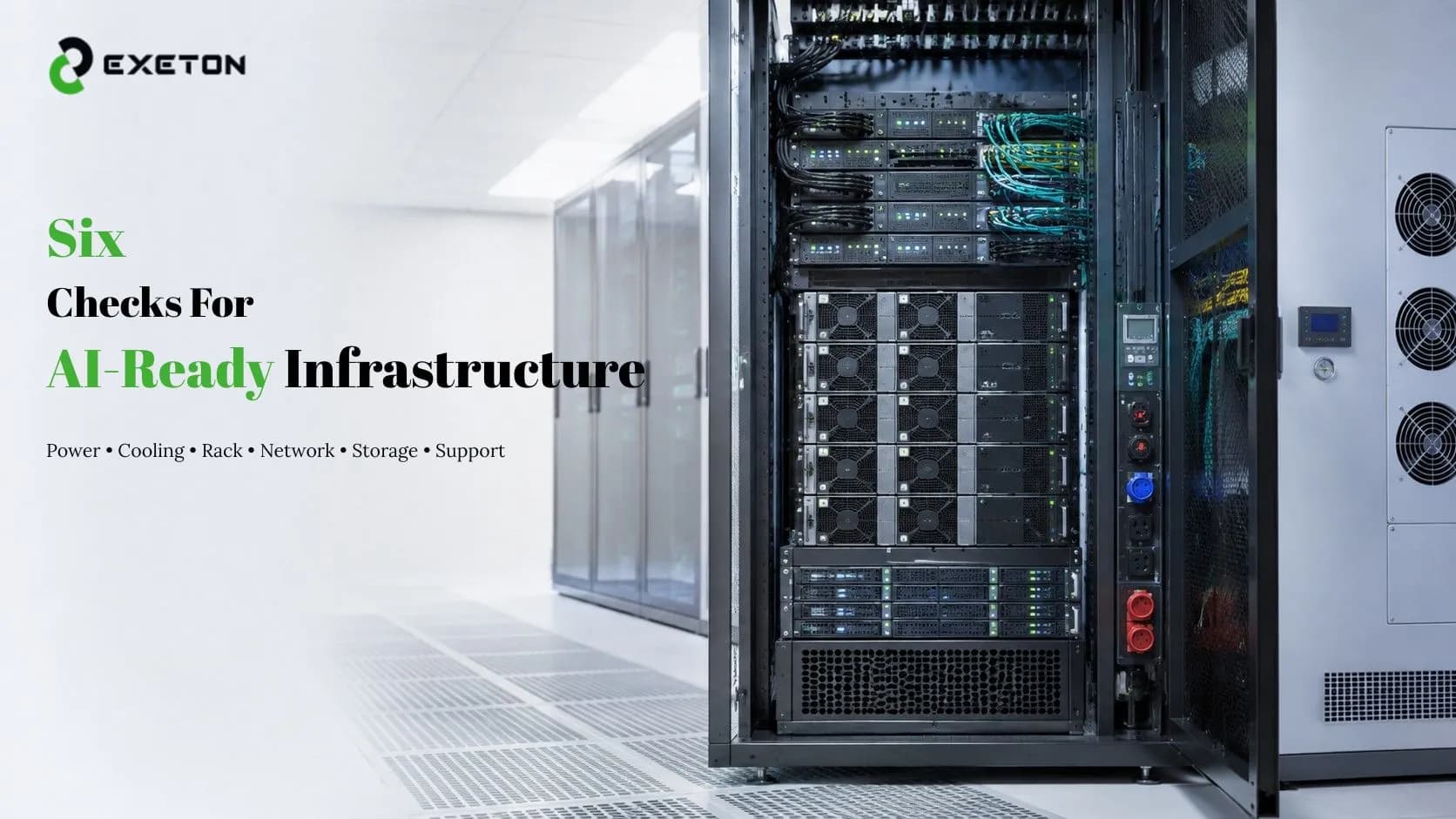
Can Your Existing Data Center Handle Modern AI Servers? 6 Things to Check
Article Summary:
Power and cooling: AI servers can place substantially different demands on electrical and thermal infrastructure.
Connectivity and capacity: Rack space, networking, and storage can become limitations even when the server itself fits.
Operational readiness: Monitoring, maintenance, installation, and technical support matter as much as hardware specifications.
Can your data center handle a modern AI server, or will the first GPU deployment expose limits you didn't know you had?
AI hardware has changed the infrastructure equation. A facility that works perfectly well for conventional enterprise servers may need additional power, cooling, networking, or physical capacity before it can support high-density GPU workloads.
At Exeton, we help organizations evaluate and deploy AI hardware, GPU computing systems, enterprise servers, and data center infrastructure. Before investing in new AI hardware, here are six things worth checking.
Can an Existing Data Center Support Modern AI Servers?
Yes, but it depends on the facility. Existing data centers can often support AI servers, but you shouldn't assume that a conventional rack is automatically ready for high-density GPU computing.
The real question isn't simply, “Can I fit the server?” It's whether your facility can continuously provide the power, cooling, networking, storage, space, and support that the system requires.
Here are six areas to assess before deployment.
1. Do You Have Enough Power for High-Density GPU Servers?
Power is usually the first place to start.
AI servers equipped with multiple GPUs can have very different power requirements from conventional CPU-focused servers. Check your available rack-level power, electrical distribution, UPS capacity, PDU configuration, and redundancy.
There is an important distinction between having enough electricity in the building and having enough capacity available at the specific rack where the AI server will operate.
Also consider future growth. If you're installing one GPU server today but expect to add several more next year, leave sufficient power headroom rather than designing only for today's requirements.
2. Can Your Cooling System Handle the Heat?
Every watt consumed by computing equipment ultimately becomes heat that needs to be removed.
That makes cooling a critical consideration for AI infrastructure. Check your existing airflow design, HVAC capacity, rack density, and hot-aisle/cold-aisle configuration.
Does AI hardware require better data center cooling? Not necessarily in every case, but higher-density GPU configurations can create significantly greater thermal demands.
A rack may have enough physical space for an AI server while still lacking the cooling capacity to operate it reliably. That's why thermal planning should happen before installation, not after temperatures start becoming a problem.
3. Is There Enough Rack Space and Physical Capacity?
Physical space involves more than counting empty rack units.
Before deployment, check:
Available rack units
Rack weight capacity
Server dimensions
Cable routing
Power distribution
Service access
Clearance around equipment
Think beyond the first server, too. A successful AI deployment can grow into a multi-server cluster, so your infrastructure should allow room for maintenance and expansion.
4. Is Your Network Fast Enough for AI Workloads?
What network infrastructure does an AI server need? The answer depends on the workload, but GPU-intensive environments can place significant demands on bandwidth and latency.
When several GPUs or servers work together, they may need to exchange large volumes of data. Network limitations can therefore prevent otherwise powerful hardware from being used efficiently.
Evaluate your:
Network bandwidth
Latency
Switch capacity
Inter-server connectivity
Storage networking
Cluster expansion capability
Think of it this way: a powerful GPU cluster connected through an undersized network is like putting a high-performance engine on a narrow road.
5. Can Your Storage and Data Pipeline Keep Up?
GPUs can process data extremely quickly. If your storage system cannot supply that data fast enough, expensive computing resources may spend time waiting rather than processing.
Consider storage throughput, capacity, shared storage, dataset sizes, data transfer, and backup requirements.
This is particularly important for AI training, where datasets can be large and workloads may involve repeated reads and writes.
The goal isn't simply to buy the most powerful GPU available. Your entire data pipeline needs to support the workload.
6. Do You Have the Right Support and Maintenance?
AI infrastructure needs operational support after the hardware is installed.
Consider whether your organization has the resources for:
Hardware monitoring
Preventive maintenance
Firmware and system management
Troubleshooting
Spare-parts planning
Installation and deployment
SLA-backed technical support
Long-term lifecycle management
This is an area where Exeton provides more than hardware supply, with infrastructure installation, data center maintenance, technical assistance, and support services designed around AI and HPC environments.
Quick AI Data Center Readiness Checklist
Area | What to Check | Warning Sign |
Power | Rack and UPS capacity | Limited power headroom |
Cooling | Heat removal and airflow | Existing racks run hot |
Rack | Space, weight, and access | Limited physical capacity |
Network | Bandwidth and latency | Existing network limitations |
Storage | Capacity and throughput | GPUs waiting for data |
Support | Monitoring and maintenance | No support plan |
What If Your Data Center Isn't AI-Ready?
Not every organization needs to rebuild its entire data center.
You might be able to upgrade selected racks, improve power distribution, expand cooling, modernize networking, or begin with a smaller AI deployment. For some workloads, there may even be alternatives to a traditional data center approach.
For example, Exeton explores the option of running enterprise AI without a traditional data center for appropriate use cases.
The important point is to understand your workload and infrastructure before deciding what deployment model makes sense.
Choosing AI Hardware That Fits Your Infrastructure
Hardware selection should follow the infrastructure assessment—not the other way around.
An AI deployment may need to balance GPU performance with power consumption, cooling, memory, storage, networking, and future scalability. For organizations evaluating high-performance GPU options, Exeton offers solutions including the NVIDIA H200 GPU platform and NVIDIA RTX PRO 6000 Blackwell Series.
The right choice ultimately depends on what you're running, how much compute you need, and what your existing facility can support.
When Should You Upgrade Your Data Center for AI?
Your infrastructure may need attention if:
Rack power is already close to capacity.
Cooling has little remaining headroom.
Your network cannot scale with additional GPU servers.
Storage cannot deliver data quickly enough.
Physical rack capacity is limited.
You don't have a reliable maintenance and support plan.
The good news is that an upgrade doesn't always mean replacing the entire facility. A targeted infrastructure improvement can sometimes prepare an existing environment for AI much more efficiently.
Is Your Data Center AI-Ready?
Before deploying modern AI servers, look beyond the GPU specification.
Power, cooling, rack capacity, networking, storage, and ongoing support all contribute to whether an AI system will perform reliably.
For organizations planning AI infrastructure, Exeton provides AI hardware, GPU computing systems, server infrastructure, installation, maintenance, and technical support to help turn those requirements into a workable deployment.
The smartest first step isn't necessarily buying a bigger GPU. It's finding out whether your data center is ready to use it.