



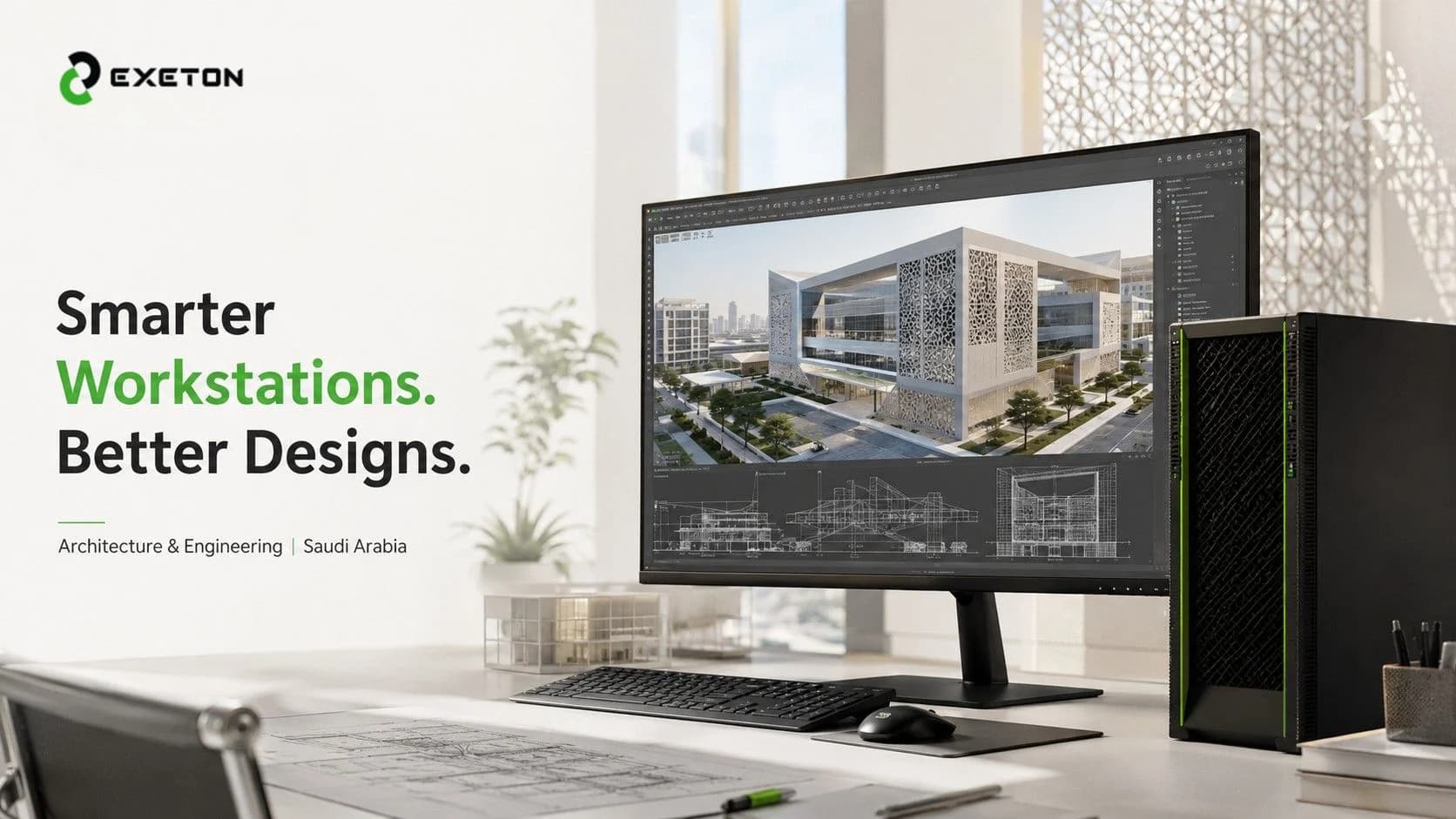
How High-End Graphics Workstations Are Changing Architecture and Engineering in Saudi Arabia
Article Summary
How powerful graphics workstations help architects and engineers work with complex designs and detailed 3D models.
Which hardware components matter most when choosing a workstation for professional projects.
What Saudi businesses should consider before upgrading their design and engineering systems.
Imagine presenting a building to a client before a single brick has been laid. They can explore its interiors, examine its exterior in realistic detail, and understand how the finished space might look. Now imagine your computer struggling to load the model just when the client asks for a change.
For architecture and engineering teams, that delay is more than an inconvenience. It can interrupt creative thinking, slow down design reviews, and make demanding projects harder to manage.
As Saudi Arabia continues to develop its built environment, professionals need tools that can keep up with increasingly detailed designs. Companies such as Exeton provide professional graphics hardware and computing solutions that help businesses build workstations around their actual project requirements.
But what makes a high-end graphics workstation genuinely useful, and when is upgrading worth the investment?
Why Are Architecture and Engineering Projects Demanding More Computing Power?
A modern building design involves much more than lines on a screen. Architects may work with detailed 3D models, realistic lighting, textures, and interior layouts. Engineers may need to inspect complex structures, review large assemblies, or visualize technical designs from multiple angles.
These tasks put pressure on different parts of a computer.
A basic office computer may handle drawings and everyday tasks comfortably, but detailed rendering or large models can demand considerably more graphics processing power and memory.
This is particularly relevant to Saudi Arabia's architecture, construction, and infrastructure sectors, where project teams may need to communicate complex designs to clients, contractors, and other stakeholders.
The goal is not simply to create better-looking images. It is to make complex designs easier to explore, understand, and refine.
How Do High-End Graphics Workstations Make a Difference?
1. More realistic architectural visualization
A flat drawing can communicate dimensions, but a realistic 3D visualization helps people understand the finished space.
High-end graphics hardware can accelerate supported rendering tasks, helping professionals work with detailed materials, lighting, shadows, and complex scenes. This is useful when presenting residential developments, commercial interiors, offices, or large public spaces.
For professionals whose daily work involves demanding visualization, professional workstation graphics solutions are one option worth evaluating alongside software requirements and overall system performance.
2. Smoother work with complex engineering models
Large engineering projects can involve assemblies containing thousands of components, intricate geometry, and substantial datasets.
A suitable workstation helps keep model navigation and graphics-intensive operations responsive, although the results depend on the software, processor, system memory, and complexity of the project.
The benefit is practical: engineers can spend more time reviewing their work and less time waiting for their computer to respond.
3. Easier design reviews and revisions
Design changes are inevitable. A client might request a different layout, an engineer may identify a clash, or a project team may need to compare alternative materials.
When a workstation handles the workload comfortably, exploring these changes can become less disruptive. Teams can review designs more fluidly and communicate ideas with clearer visual references.
A faster computer will not eliminate design mistakes or guarantee shorter project schedules. However, the right setup can remove some of the technical friction that gets in the way of productive work.
What Should Saudi Businesses Look for in a Graphics Workstation?
Choosing a workstation is not simply a matter of buying the most expensive graphics card. The entire system needs to match the applications and projects it will handle.
Component | Why it matters | What to consider |
Graphics card and GPU memory | Processes and displays detailed graphics and supports rendering workloads. | Model complexity, rendering software, and memory requirements. |
Processor and RAM | Handle calculations, application tasks, and large project data. | Software recommendations and typical project size. |
Cooling and power | Help the system operate reliably under sustained workloads. | Available power, airflow, room temperature, and chassis compatibility. |
Software compatibility | Determines whether hardware features work effectively with your applications. | Certified configurations, drivers, and application requirements. |
Storage and support | Affect file access, project handling, maintenance, and uptime. | Fast storage, backups, warranty, and technical assistance. |
For example, Autodesk's published Revit 2026 requirements distinguish between entry-level configurations, balanced systems, and configurations intended for large, complex models. That is a useful reminder that hardware requirements should follow the workload rather than a one-size-fits-all recommendation.
Which Workstation Setup Is Right for Your Project?
Not every architecture or engineering team needs the same type of system.
High-performance tower workstations: Suitable for professionals working regularly with demanding 3D visualization, detailed models, and complex rendering tasks. A product such as the RTX PRO 6000 Blackwell Workstation Edition may be worth assessing for particularly demanding graphics workloads, depending on software compatibility and the complete system configuration.
Compact, power-conscious configurations: Useful when workstation space, power consumption, or thermal limits are important considerations. The RTX PRO 6000 Blackwell Max-Q Workstation is an option to evaluate when balancing performance with system power and cooling requirements. Its suitability depends on the intended workload and workstation design.
Shared computing environments: Some larger organizations may prefer centralized resources for workloads that need to be shared across teams. This is a different requirement from an individual designer's desktop workstation and should be evaluated separately.
The key is to choose hardware that fits how people actually work, rather than paying for capabilities they may rarely use.
For organizations exploring centralized workloads, Exeton's RTX PRO 6000 Blackwell Server Edition provides a starting point for evaluating server-based graphics computing. Server hardware requires appropriate system integration, cooling, and workload planning; it is not automatically a replacement for a desktop workstation.
How Can Saudi Businesses Prepare for Their Next Hardware Upgrade?
Before investing in new equipment, ask a few practical questions:
Where are the bottlenecks? Are models slow to navigate, renderings taking too long, or applications running out of memory?
Which applications does the team use? Check their recommended hardware requirements before selecting components.
What will the next few years look like? Consider whether project sizes, visual detail, or team workloads are likely to grow.
Can the workplace support the system? Check electrical capacity, cooling, available space, and noise levels.
What support is available? Consider installation, maintenance, warranties, and access to technical assistance.
For businesses in Saudi Arabia, these questions are especially useful when planning workstation upgrades across multiple designers, engineers, or project teams.
Exeton can help businesses explore graphics hardware and computing configurations suited to their professional requirements. The most useful starting point is a clear understanding of the applications, workload, and limitations the team needs to address.
Frequently Asked Questions
Do architects and engineers need a high-end graphics workstation?
Not always. Standard computers can be sufficient for 2D drafting and relatively simple projects. High-end graphics workstations become more valuable when professionals regularly handle complex 3D models, detailed visualization, demanding rendering tasks, or large engineering assemblies.
How much GPU memory is needed for architectural visualization and engineering?
There is no single amount that suits every project. Requirements depend on the software, model complexity, rendering method, and size of the data being processed. Check the application's recommended specifications and allow for the demands of your typical workload before choosing a graphics card.
Are workstation graphics cards suitable for Saudi engineering and construction firms?
They can be a strong fit for firms working with professional design, visualization, and engineering applications. The right choice depends on software compatibility, performance requirements, power and cooling constraints, and the overall workstation configuration, not simply the graphics card's price or specifications.
Conclusion: Better Workstations Start With Better Decisions
A complex design should challenge your team's creativity, not the limits of its computer.
For architecture and engineering businesses in Saudi Arabia, the right graphics workstation can make detailed visualization, model reviews, and demanding design tasks more manageable. But the best investment is not necessarily the most powerful system available. It is the one that fits your software, workload, budget, and plans for growth.
Exeton helps businesses explore professional graphics hardware and computing solutions suited to their needs. By identifying your team's real requirements first, you can make a more informed decision about which workstation deserves a place in your next project.