



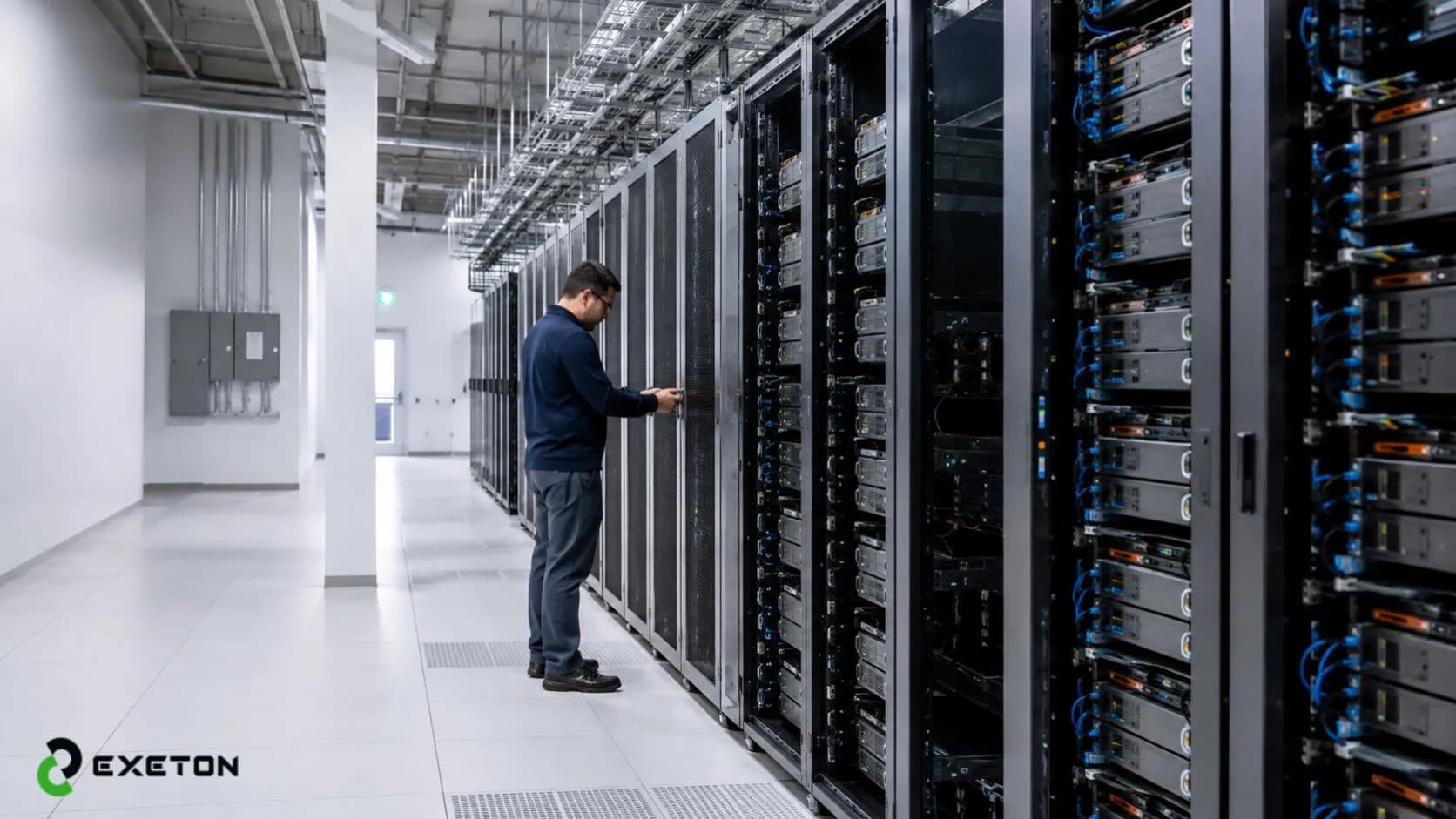
Best Practices for Deploying AI Servers in US Data Centers
“The bitterness of poor quality remains long after the sweetness of low price is forgotten.” - Benjamin Franklin
That idea applies just as well to enterprise infrastructure as it does to manufacturing. Businesses investing in artificial intelligence often focus on buying powerful hardware, but successful Best Practices for Deploying AI Servers in US Data Centers begin long before the first server arrives. Planning for power, cooling, networking, and future growth has a direct impact on reliability and long-term costs. Exeton works with organizations to evaluate enterprise-ready AI infrastructure that matches their operational goals. This guide explains the essential deployment practices in straightforward language, helping both technical and business decision-makers make informed choices.
Why AI Server Deployment Is Different from Traditional Server Deployment
AI server deployment requires a different approach because AI workloads place far greater demands on power, cooling, networking, and storage than traditional business applications. Planning for these requirements early helps organizations avoid performance bottlenecks and costly infrastructure changes later.
Traditional servers typically run applications such as email, databases, or business software where processing demands remain relatively predictable. Enterprise AI servers, by contrast, rely on powerful GPUs to process massive datasets continuously for model training and inference.
This creates several unique infrastructure requirements:
Higher power consumption to support multiple high-performance GPUs.
Increased heat generation that requires more effective cooling.
High-speed storage capable of feeding large datasets quickly.
Low-latency networking so GPUs communicate efficiently.
Continuous GPU utilization that places sustained demand on the infrastructure.
AI infrastructure is not just larger hardware, it requires a different deployment strategy from the ground up.
What Should You Plan Before Deploying an AI Server?
Successful AI server deployment starts with understanding your workloads, selecting suitable GPU platforms, and confirming that your data center can support them. Careful planning reduces deployment risks and makes future expansion much easier.
Assess Your AI Workloads
Before selecting hardware, define exactly how the system will be used.
Consider:
Will the servers train AI models or primarily perform inference?
How many users or applications will depend on the infrastructure?
Will workloads likely grow over the next three to five years?
These answers influence every infrastructure decision that follows.
Choose the Right GPU Platform
Different AI workloads require different GPU capabilities. Organizations running advanced AI training often evaluate NVIDIA H200 based on workload requirements because memory capacity, bandwidth, and performance vary across enterprise GPU platforms.
Selecting hardware should always align with business objectives rather than purchasing the highest specifications available.
Evaluate Data Center Readiness
Before installing enterprise GPU servers, verify that the facility can support them.
Area | Why It Matters |
Power | Supports high GPU loads |
Cooling | Prevents overheating |
Rack Space | Handles larger AI systems |
Network | Enables fast data movement |
Storage | Prevents bottlenecks |
7 Best Practices for Deploying AI Servers
Following proven AI data center best practices helps organizations maximize performance while reducing operational risks. These recommendations support reliable GPU server deployment today and provide flexibility for future AI infrastructure expansion.
1. Start with Infrastructure Assessment
Evaluate available electrical capacity, cooling systems, floor loading, rack space, and network architecture before purchasing equipment. Identifying limitations early is far less expensive than correcting them after deployment.
2. Prioritize High-Performance Cooling
AI servers generate substantially more heat than conventional systems.
Depending on workload density, organizations may use:
Traditional air cooling
Liquid cooling for higher-density environments
Hot aisle/cold aisle containment to improve airflow efficiency
Selecting the appropriate cooling strategy protects hardware and maintains consistent performance.
3. Design for Future Expansion
AI projects rarely remain the same size for long.
Plan rack layouts, storage capacity, and electrical infrastructure so additional GPUs or servers can be installed without redesigning the data center.
4. Optimize Networking
AI workloads constantly exchange large amounts of information between GPUs and storage.
High-speed networking with low latency improves communication between systems, reduces waiting time, and allows AI applications to process data more efficiently.
5. Secure the Entire AI Environment
Security should be integrated throughout deployment rather than added afterward.
Important practices include:
Strong access controls
Regular firmware updates
Data encryption
Network segmentation
Secure deployment guidance from organizations such as CISA and international cybersecurity partners also emphasizes protecting AI systems throughout their operational lifecycle.
6. Don't Ignore Ongoing Maintenance
Preventive maintenance helps identify issues before they become outages.
Routine inspections, firmware updates, hardware monitoring, and following data center maintenance best practices keep enterprise AI infrastructure operating efficiently while reducing unexpected downtime.
7. Choose Hardware That Fits Long-Term Goals
Modern enterprise platforms such as the Supermicro B200 are designed for demanding AI workloads while providing room for future scalability.
Rather than selecting hardware solely for today's requirements, consider how the platform will support future models, increased storage, and expanding GPU capacity. Exeton often helps organizations evaluate infrastructure options with long-term operational objectives in mind.
Common Mistakes Businesses Make
Avoiding common deployment mistakes can significantly improve performance, reliability, and infrastructure lifespan. Most issues occur because organizations focus on hardware purchases before evaluating the surrounding environment.
Buying GPUs before assessing infrastructure - Hardware cannot perform at its best if facility limitations are ignored.
Ignoring cooling requirements - Excess heat shortens component life and reduces reliability.
Underestimating power usage - AI servers require considerably more electrical capacity than traditional systems.
Forgetting future expansion - Planning only for today's workload often leads to expensive upgrades later.
Weak network planning - Slow communication between systems limits AI performance.
Skipping preventive maintenance - Small issues become costly failures when maintenance is delayed.
Why US Data Centers Need a Different Approach
US data center infrastructure supporting AI must balance high performance with scalability, power availability, operational resilience, and compliance expectations. As enterprise AI adoption grows, facilities increasingly prioritize efficient cooling, resilient electrical systems, and infrastructure that supports higher-density GPU deployments.
Many organizations across the United States are expanding AI infrastructure to support research, automation, analytics, and generative AI applications. These deployments often require significantly more power and cooling capacity than traditional enterprise environments.
At the same time, businesses must address evolving compliance expectations while maintaining reliable operations. As GPU density increases, many newer AI deployments prioritize resilient power systems, efficient cooling, and scalable infrastructure that can support future enterprise AI servers without major redesigns.
Conclusion
Successful Best Practices for Deploying AI Servers in US Data Centers depend on thoughtful planning rather than simply purchasing powerful hardware. Decisions involving power, cooling, networking, security, and scalability influence long-term performance, reliability, and operational costs. Exeton helps organizations evaluate AI infrastructure solutions that align with their workloads, whether deploying their first enterprise AI server or expanding an existing environment. Investing in the right deployment strategy today helps create AI infrastructure that remains efficient, secure, and ready for tomorrow's business demands.
Frequently Asked Questions
What is the biggest challenge when deploying AI servers?
The greatest challenge is ensuring the supporting infrastructure is ready. Power, cooling, networking, and storage must all work together to support sustained GPU workloads. Even the most advanced AI servers can experience performance issues if the surrounding environment is not properly prepared.
How much power do AI servers typically require?
Power requirements vary depending on the number and type of GPUs installed. Enterprise AI servers generally consume significantly more electricity than traditional servers, making power planning an essential part of infrastructure design before deployment begins.
Is liquid cooling necessary for AI servers?
Not always. Many AI deployments operate successfully with well-designed air cooling systems. However, liquid cooling becomes increasingly attractive for high-density GPU environments where air cooling alone may not efficiently remove the additional heat generated.
Can existing data centers support AI workloads?
Many can, but not without evaluation. Existing facilities should be assessed for available power, cooling capacity, rack space, networking, and storage performance. In some cases, targeted infrastructure upgrades are enough to support enterprise AI workloads without constructing a new data center.