



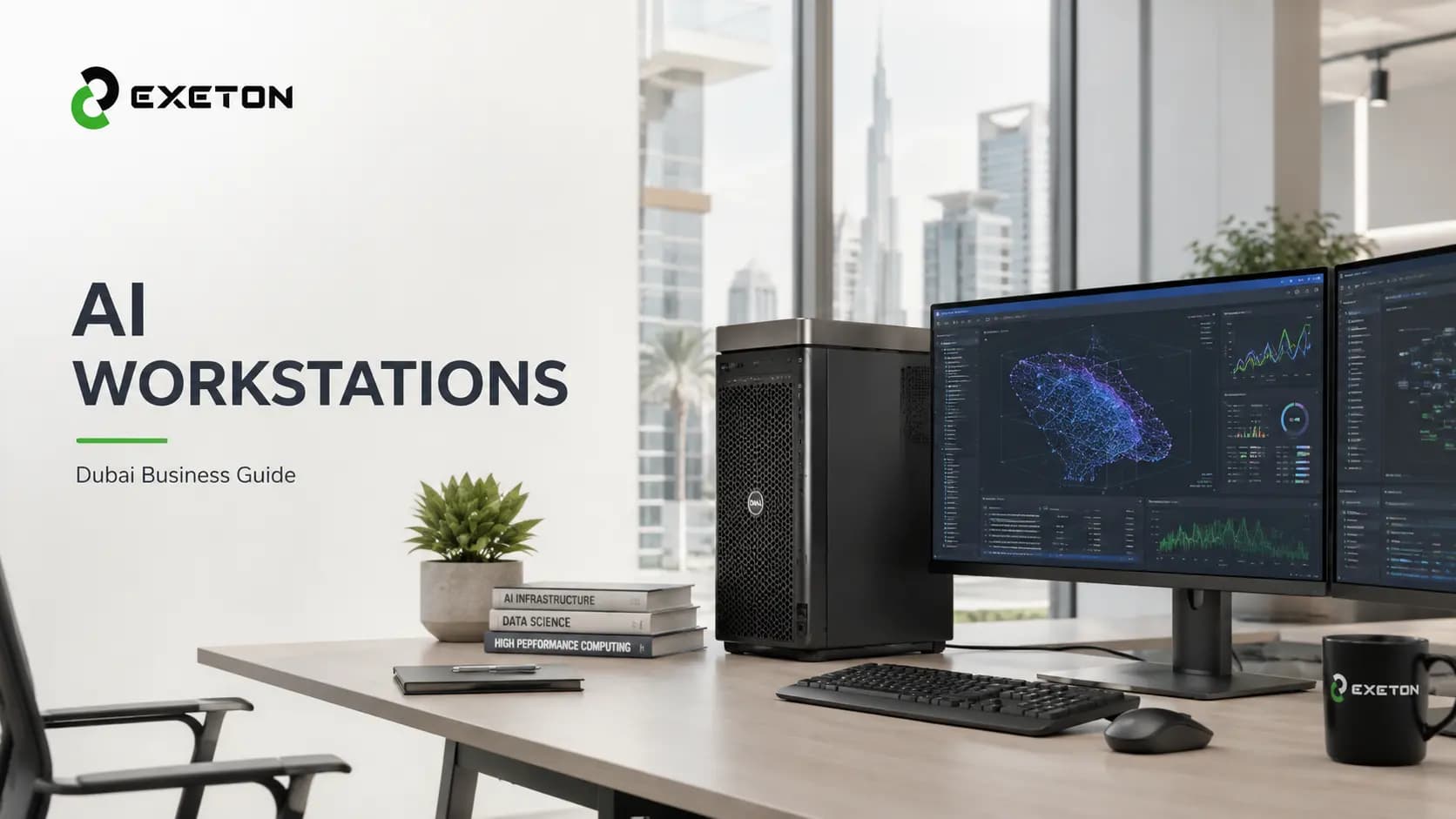
AI Workstations in Dubai: When Does a Business Need One?
Article Summary
An AI workstation makes sense when AI, simulation, rendering, or data workloads are becoming a regular part of business operations.
The right workstation depends on the workload, not simply on buying the most powerful GPU available.
For businesses considering local AI computing, factors such as GPU memory, scalability, data control, and usage frequency matter more than benchmarks alone.
Is Your Business Outgrowing the Ordinary Work PC?
At what point does a powerful computer stop being a luxury and become a business tool?
That is the question many companies should ask before investing in an AI workstation.
For a business developing AI models, running local inference, creating 3D visualizations, or performing engineering simulations, waiting for a standard desktop to finish a task can quickly become a productivity problem. Cloud computing can help, but frequent GPU usage brings its own considerations.
This is where Exeton comes in. Its AI workstation solutions are designed for workloads ranging from AI development and model prototyping to data science, visualization, and engineering.
But does every business need one? Absolutely not. The better question is whether your workload can actually benefit from dedicated local GPU computing.
What Is an AI Workstation, Really?
An AI workstation is essentially a professional computer built around demanding workloads that need substantial computing power, particularly GPU acceleration.
A conventional office PC might be perfectly adequate for email, spreadsheets, presentations, and browser-based AI tools. An AI workstation is different. It can combine a professional GPU, high-capacity memory, fast storage, powerful processors, and cooling designed for sustained workloads.
The GPU is particularly important because many AI and visualization applications can perform calculations in parallel, making GPUs well suited to tasks such as model training and inference.
In simple terms: if a normal PC is designed to get everyday work done, an AI workstation is designed to get computationally heavy work done faster and more consistently.
When Does a Business in Dubai Actually Need an AI Workstation?
Being based in Dubai doesn't automatically mean a company needs specialized AI hardware. The deciding factor is what the business actually does.
An AI workstation may be worth considering when:
Your team develops or runs AI models locally
If developers regularly experiment with machine-learning models, fine-tuning, computer vision, private LLMs, or local inference, dedicated GPU compute can provide a practical development environment.
Exeton specifically positions its workstations for local AI development, prototyping, training, and inference.
Cloud GPU usage is becoming a regular expense
Cloud GPUs are useful when workloads fluctuate. But if the same team is using GPU resources week after week, a business may want to compare recurring cloud costs with owning dedicated infrastructure.
That doesn't automatically make a workstation cheaper. It simply makes total cost of ownership worth evaluating.
Your data needs tighter control
Some organizations work with proprietary datasets, internal documents, intellectual property, or other information they may prefer to process within their own environment.
Running workloads locally can give an organization greater control over where its data and models are processed.
Your engineers or designers are waiting for their computers
AI isn't the only reason to buy a workstation.
Architectural visualization, CAD, CAE, simulation, rendering, and other GPU-intensive workloads can also justify professional workstation hardware. Exeton's workstation offerings target researchers, engineers, creators, studios, and data scientists.
Your business needs predictable computing
If an employee needs GPU acceleration every day, relying entirely on shared or temporary resources may create unnecessary friction.
Sometimes the biggest return from a workstation isn't a benchmark number. It's simply less waiting.
Which Businesses Can Benefit From an AI Workstation?
Business or Team | Typical Workload | Potential Benefit |
AI/ML teams | Training, inference, experimentation | Dedicated GPU compute |
Engineering | CAD, CAE, simulation | Faster computational workflows |
Architecture & design | 3D visualization, rendering | Improved rendering performance |
Media & studios | Video, 3D, virtual production | GPU acceleration |
Research | Scientific computing | Local high-performance compute |
Data teams | Data processing, AI development | Faster experimentation |
The important point is that these businesses don't necessarily need the same workstation.
What Should You Look For in an AI Workstation?
Don't start with the question, “What's the most powerful workstation I can buy?”
Start with “What will we actually run on it?”
Consider:
GPU: Which AI models or applications will you use?
VRAM: How much data needs to fit into GPU memory?
CPU: Is your workload primarily GPU-based or does it also require substantial CPU performance?
RAM: How large are your datasets and applications?
Storage: How quickly do you need to load and process large project files?
Cooling and power: Can the system handle sustained workloads?
Software: Does it support your required AI frameworks and professional applications?
Exeton's AI workstation range can be configured around different workloads, with options ranging from single-GPU systems to multi-GPU platforms. Its systems can also be delivered with AI development tools and frameworks pre-installed and tested.
You can explore Exeton's AI workstations to see the available configurations.
How Much GPU Power Does a Business Really Need?
There is no universal answer.
A small development team experimenting with AI doesn't necessarily need the same hardware as an engineering studio rendering complex projects or an organization developing large models.
A useful way to think about it is:
Entry: occasional AI development, inference, visualization, or smaller workloads.
Professional: regular AI development, engineering, rendering, or data-science workloads.
High-end: demanding multi-GPU workloads, larger models, intensive visualization, or workloads that require substantial local compute.
The most expensive workstation isn't necessarily the right workstation. Buy for the workload, not the benchmark.
Which AI Workstation Hardware Could Make Sense?
For businesses evaluating professional infrastructure, Exeton offers configurations built around different requirements.
The NVIDIA RTX PRO 6000 Blackwell Workstation Edition is positioned for demanding professional visualization workflows and supports multi-GPU configurations, with options designed for applications such as architectural visualization and immersive experiences.
Another option is the Supermicro AS-531AW-TC SuperWorkstation. It uses a server-class, dual-socket platform and can be configured with substantial memory, storage, and accelerator capacity, making it suitable for workloads including HPC, virtualization, and rendering.
These are examples, not automatic recommendations. The right configuration should follow the application's requirements.
AI Workstation vs. Cloud GPU: Which Is Better?
Factor | AI Workstation | Cloud GPU |
Upfront investment | Higher | Lower |
Ongoing usage cost | Generally more predictable | Depends on usage |
Data processing | Local | Cloud environment |
Scalability | Hardware-limited | Highly scalable |
Best suited for | Frequent workloads | Variable workloads |
For occasional experimentation, cloud computing can be extremely convenient. For predictable, recurring workloads, owning a workstation may deserve closer consideration.
So, Is an AI Workstation Worth It for Your Business?
Ask yourself five questions:
Are we using GPU-intensive applications regularly?
Are employees losing time waiting for compute jobs?
Are cloud GPU costs becoming predictable enough to compare against ownership?
Do we benefit from processing sensitive or proprietary workloads locally?
Will our AI, engineering, visualization, or simulation needs continue growing?
If most answers are yes, an AI workstation could be a sensible investment.
If your employees mostly use browser-based AI tools and rarely need dedicated GPU computing, a workstation may simply be unnecessary expense.
Don't Buy More Compute Than Your Business Needs
An AI workstation isn't valuable just because it has impressive specifications. It is valuable when that computing power solves an actual business problem.
For companies in Dubai and elsewhere, the decision should therefore begin with the workload: what are you running, how often are you running it, and what is the cost of waiting?
Exeton provides AI workstations and broader compute infrastructure designed around these kinds of requirements, from desk-side GPU systems to larger-scale infrastructure. For businesses considering the move to local AI computing, starting with the workload, not the hardware, is usually the smarter first step.