



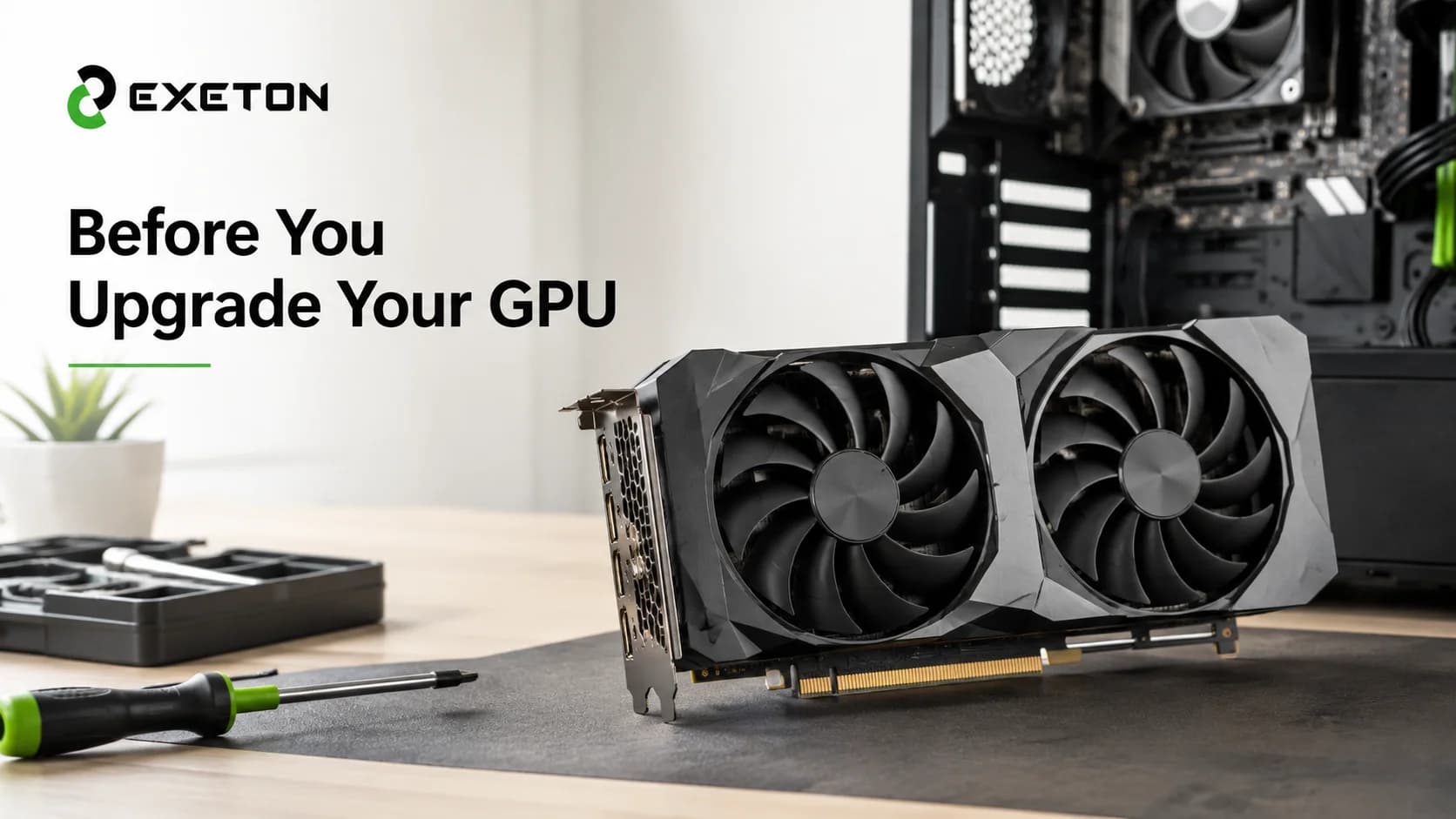
Upgrading Your Graphics Card: 7 Things to Check Before Buying a New GPU
Article Summary
Check your PC’s compatibility, power supply, and cooling before buying a new graphics card.
Match GPU performance and VRAM to your gaming resolution, applications, and workload.
Compare the total upgrade cost against the performance you actually need.
Is Your Current Graphics Card Holding You Back?
Are your favorite games struggling to maintain smooth frame rates, or does video editing take longer than expected? Your graphics card might be limiting your PC’s performance. However, buying a newer GPU without checking the rest of your system can create unnecessary costs and compatibility problems.
A successful graphics card upgrade starts with understanding what your PC can support and what you want it to accomplish. Whether you are building a gaming PC, upgrading for 4K gaming, or improving creative workflows, Exeton offers graphics card options to explore as part of your research.
Before choosing a model, work through these seven essential checks.
What Should You Check Before Upgrading Your Graphics Card?
The right GPU depends on more than its specifications. Compatibility, power requirements, cooling, workload, and budget all influence whether an upgrade makes sense.
1. Will the New Graphics Card Fit Your PC?
Graphics cards vary considerably in length, thickness, and cooler design. A powerful card may physically fit your motherboard but leave insufficient room inside your case.
Before buying, check:
Card dimensions:
Compare the exact GPU length and thickness with your case clearance.
PCIe compatibility:
Most modern graphics cards use PCI Express slots, but motherboard layout and available space still matter.
Nearby components:
Large cards can obstruct adjacent expansion slots or complicate cable routing.
Always check the dimensions of the exact model, not just the GPU family.
2. Can Your Power Supply Handle the Upgrade?
Your power supply unit (PSU) must deliver sufficient power to the entire system, including the processor, graphics card, storage, and other components.
Check the GPU manufacturer's recommended PSU capacity, required power connectors, and cable compatibility. Also consider your existing processor and other hardware when assessing overall power requirements.
A higher-wattage PSU does not automatically guarantee compatibility. Connector type, power delivery, and the quality and condition of the unit matter too. If your current PSU cannot meet the new card's requirements, include a replacement in your upgrade budget.
3. Does Your GPU Match Your Gaming or Work Needs?
Your monitor and applications should guide your GPU selection.
1080p gaming:
A midrange card may provide sufficient performance, depending on the game and desired frame rate.
1440p gaming:
More demanding games and higher graphics settings can benefit from additional GPU processing power.
4K gaming:
High-resolution rendering places greater demands on graphics processing and video memory.
Competitive gaming:
Players targeting high refresh rates should consider both GPU performance and whether their processor can keep up.
Creative work:
Video editing, 3D rendering, and GPU-accelerated applications may benefit from specific hardware capabilities and software support.
Think about what you actually run. A GPU designed for demanding 4K gaming may be unnecessary for someone who mainly plays lightweight games at 1080p.
4. How Much VRAM Do You Actually Need?
Video random-access memory (VRAM) is the dedicated memory a graphics card uses to store textures, rendered frames, and other graphics data.
Higher resolutions, detailed game assets, large creative projects, and certain professional applications can increase memory requirements. Insufficient VRAM can contribute to stuttering, reduced settings, or performance limitations in demanding workloads.
However, more VRAM does not automatically mean a faster GPU. Architecture, processing power, memory bandwidth, and software optimization also affect performance. Choose memory capacity according to your intended applications rather than using it as your only buying criterion.
5. Have You Checked Cooling and Airflow?
A graphics card needs adequate airflow to manage heat during demanding workloads. Even a capable GPU can have difficulty maintaining performance if the case is poorly ventilated.
Check your case's fan placement, available space around the graphics card, and the card's cooler design. Keep dust filters clean and avoid blocking air intakes.
If you are upgrading to a larger card, confirm that its cooling system has enough clearance. Your case's airflow and the GPU's own cooling solution work together, so consider both before purchasing.
6. Are You Getting the Features You Actually Need?
Modern graphics cards can offer features beyond conventional rendering performance.
Ray tracing:
Simulates realistic lighting, reflections, and shadows, although demanding implementations can reduce frame rates.
AI-assisted upscaling:
Uses supported techniques to render at a lower internal resolution and reconstruct a higher-resolution image.
Frame generation:
Creates additional frames in supported games, potentially improving perceived smoothness.
Application acceleration:
Compatible GPUs can accelerate selected video, rendering, AI, and other professional workloads.
Support varies by GPU, software, and application. Check which features your preferred games and programs actually use instead of paying extra for capabilities you may rarely need.
7. Does the Upgrade Make Financial Sense?
Calculate the complete cost before committing. Besides the graphics card itself, you might need a new PSU, a larger case, or additional cooling.
Consider whether your current performance problems genuinely come from the GPU. A processor limitation, insufficient system memory, or slow storage may also affect the experience.
Compare exact models based on performance in your applications, useful features, expected service life, and total system cost. The most expensive option is not necessarily the best value for your setup.
What Should You Look for in a High-Performance GPU?
A high-performance GPU can be worthwhile for demanding games, higher resolutions, advanced graphics features, and supported creative applications. The key is finding a model that suits your system and workload.
One option to research is the PNY GeForce RTX 5080 16GB graphics card, listed on Exeton. It features 16GB of graphics memory and belongs to NVIDIA's GeForce RTX 50 Series.
Before choosing it, verify the exact card dimensions, PSU requirements, connector configuration, and cooling clearance against your PC. Consider whether its capabilities match your monitor and applications, rather than assuming a high-end card is necessary for every user.
What to Check | Why It Matters | What to Verify |
Case and motherboard compatibility | Prevents physical or installation issues | Card dimensions, PCIe slot, and clearance |
PSU capacity and connectors | Ensures suitable power delivery | Recommended wattage, connectors, and cable compatibility |
Performance and monitor resolution | Matches the GPU to your goals | Resolution, refresh rate, and target frame rate |
VRAM and workload | Supports demanding games and applications | Memory capacity and software requirements |
Cooling and total upgrade budget | Helps avoid heat and unexpected costs | Airflow, cooler clearance, PSU, or case expenses |
Frequently Asked Questions About Graphics Card Upgrades
How do I know when I need to upgrade my graphics card?
Consider upgrading when your GPU consistently struggles to deliver the frame rates, resolution, or application performance you need. Check game settings, performance monitoring, and software requirements first to determine whether the graphics card is actually the limiting component.
Can I upgrade my GPU without changing my power supply?
Yes, if your existing PSU meets the new card's power requirements and has the correct connectors. Check the manufacturer's recommendations for the exact model and account for the rest of your system before deciding whether your current power supply is suitable.
Is a more powerful graphics card worth it for 1080p gaming?
It depends on your games and performance goals. Competitive players targeting very high refresh rates may benefit from additional GPU power, while some systems become limited by the processor instead. Check real-world performance for your games before spending more.
Choose a GPU That Fits Your Setup
A successful graphics card upgrade is about finding the right balance between compatibility, performance, features, and cost. Check your PC before buying, understand your workload, and avoid paying for capabilities you do not need.
Exeton provides a place to explore graphics card options, including the PNY GeForce RTX 5080 16GB. Review the product details and compare its requirements with your system to determine whether it fits your next upgrade.