



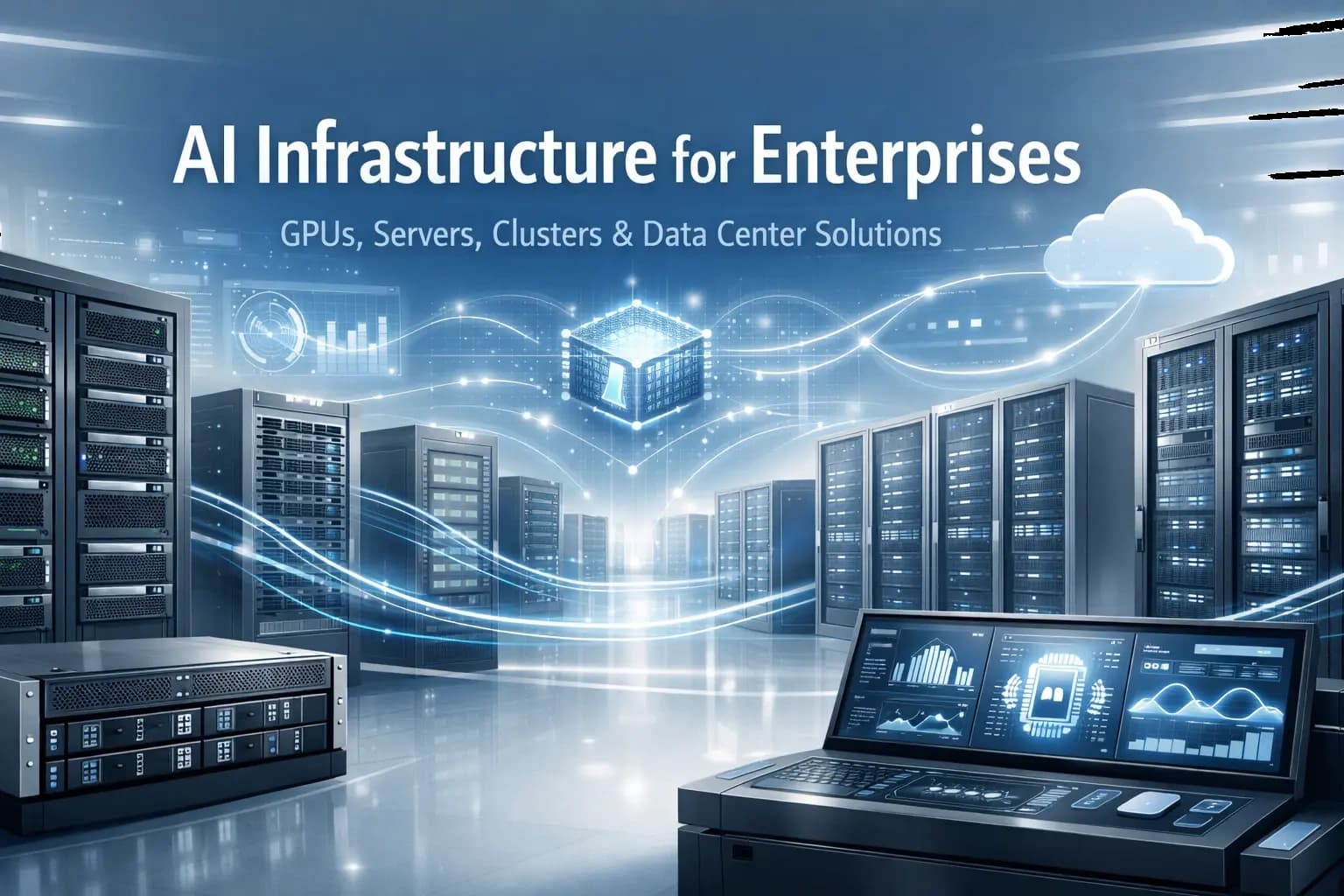
What Is AI Infrastructure? A Complete Guide to GPUs, Servers, Clusters & Data Center Solutions for Enterprises
What is AI infrastructure?
AI infrastructure is the foundation of hardware and facilities that make AI possible at enterprise scale, especially for training models and running them in production (often called inference).
It’s everything your organization needs so AI runs fast, reliably, and securely, not just on a laptop or a single test server. That includes GPUs, AI servers, clusters, and data centers, plus the way they’re designed to work together.
AI infrastructure is like building a dependable “engine room” for AI. If the engine room is well designed, teams can ship AI products confidently. If it isn’t, projects slow down, costs spike, and “pilots” never become production.
Why is AI infrastructure important for enterprises?
Enterprise AI has very different needs than a prototype. Once AI touches customers, revenue, security, or operations, infrastructure becomes a business decision, not just an engineering detail.
AI infrastructure is important because it helps you:
Move faster: shorter training cycles, quicker experimentation, faster deployment
Stay predictable: consistent performance instead of “it worked yesterday”
Control costs: avoid paying for the wrong compute (or too much of it)
Reduce risk: improve uptime, security, and governance
For many organizations, the real challenge isn’t “Can we build a model?” It’s “Can we run AI reliably for multiple teams, across multiple use cases, without reinventing the stack every time?”
What components make up AI infrastructure?
AI infrastructure is a system made of a few core building blocks. Each one matters, and missing one can quietly limit everything else.
1) GPUs: the workhorses behind modern AI
GPUs (graphics processing units) are the most common accelerator for AI because they’re great at doing many calculations at once. That matters because AI training and advanced inference involve huge amounts of math that can be processed in parallel.
If CPUs are like a versatile multi-tool, GPUs are like a specialized power tool. For AI, that power tool often makes the difference between:
Training in days instead of weeks
Serving AI features with lower latency
Running more experiments without long queues
2) AI servers: purpose-built machines for GPU workloads
An AI server is a high-performance server designed to house GPUs and support them with the right supporting parts: CPU, memory, storage, power delivery, and cooling-friendly design.
GPUs are the chefs. The AI server is the kitchen. Even the best chefs can’t cook fast if the kitchen is cramped, underpowered, or missing ingredients.
AI servers are typically designed around questions like:
How many GPUs should we fit per server now and later?
Do we need fast local storage to feed training data?
Do we need redundancy for critical production services?
How do we keep performance stable under heavy load?
3) Clusters: turning many servers into one scalable platform
A cluster is a group of AI servers connected so they can work together. This is how enterprises scale beyond “one powerful box.”
Clusters help when you need to:
Train larger models by splitting work across machines
Run multiple jobs for multiple teams at the same time
Improve resilience by designing around failures (because failures happen)
Why clusters sometimes underperform
A common surprise is that expensive GPUs can sit idle if they’re waiting on slow data or slow connections between servers. In other words, your cluster is only as fast as its bottlenecks.
That’s why real cluster design focuses on keeping data and communication flowing smoothly.
4) Data centers: where AI becomes operational reality
Data centers (on-prem or colocation) provide the physical environment for AI systems: rack space, cabling, security, uptime processes, and most importantly, power and cooling.
AI changes data center planning because GPU systems can be power-dense and heat-dense. A room that’s “fine for traditional servers” may struggle when you deploy modern GPU servers at scale.
Typical enterprise questions include:
Do we have enough power per rack for GPU systems?
Can cooling support sustained high utilization?
Do we need higher availability for production inference?
Should this be on-prem, colo, cloud, or hybrid?
How do GPUs power AI workloads?
GPUs accelerate AI in two main phases:
Training: teaching a model from large datasets
Inference: using the trained model to answer questions, classify, predict, or generate content
This matters because enterprise AI is often limited by speed and consistency. Faster training means faster iteration. Faster inference means better user experience and higher adoption.
Buying GPUs alone doesn’t guarantee results. You want a balanced system where servers, clusters, and the data center environment support the GPUs, so they spend time computing, not waiting.
How do GPUs, AI servers, clusters, and data centers work together?
Think of an enterprise AI setup like a delivery operation:
GPUs are the workers doing the heavy lifting
AI servers are the warehouses where work happens efficiently
Clusters are the fleet coordination system that routes and scales workloads
Data centers are the industrial parks that provide power, cooling, security, and reliability
If any layer is undersized or mismatched, the whole system slows down or becomes unnecessarily expensive.
Real-world enterprise use cases for AI infrastructure
AI infrastructure isn’t just for “big tech.” Here are common enterprise scenarios where the infrastructure directly affects outcomes:
Customer support copilots: low-latency inference so answers feel instant at peak demand
Document intelligence (legal, finance, insurance): processing contracts, claims, and compliance documents at steady throughput
Search and recommendations: always-on AI services where downtime or slow performance hurts revenue
Manufacturing computer vision: detecting defects or anomalies in near real time
Security analytics: spotting threats across logs and events, often with strict data controls
In each case, AI infrastructure determines whether the solution is a dependable product or a fragile demo.
Why businesses need scalable AI infrastructure
AI adoption tends to expand quickly: more teams, more models, more data, more users. Without scalable AI infrastructure, organizations often run into:
Delays from GPU shortages or long procurement cycles
Fragmented stacks (each team building a different approach)
Rising costs from constant “emergency scaling”
Performance inconsistency that undermines stakeholder trust
Scalability means you can start with what you need today, then expand without rebuilding from scratch every quarter.
How EXETON supports enterprise AI infrastructure
Most enterprises don’t need “more hardware.” They need the right AI infrastructure design aligned to their workloads, growth plan, and operational constraints.
EXETON Corp helps organizations plan and implement AI infrastructure across:
GPU-enabled AI servers
Cluster design and scaling strategies
Data center readiness (power, cooling, deployment planning)
Implementation guidance from sizing to production rollout
The focus is helping teams get to stable performance faster without overcomplicating the path to production.
FAQ
What is AI infrastructure in simple terms?
AI infrastructure is the foundation (GPUs, AI servers, clusters, and data centers) that makes AI run fast and reliably in real business environments.
Do we need a cluster to run AI?
Not always. Smaller workloads can run on a single AI server. Clusters become important when you need scale, parallel training, or many teams sharing resources.
What’s the difference between AI servers and GPUs?
A GPU is the accelerator chip doing the heavy AI computation. An AI server is the full machine that houses GPUs and provides CPU, memory, storage, and power to support them.
On-prem, colo, cloud, or hybrid - what’s best for AI infrastructure?
It depends on your data sensitivity, cost targets, and speed-to-deploy. Many enterprises choose hybrid: stable capacity in colo/on-prem and burst capacity in cloud.
If you’re moving from AI pilot projects to production or planning your next phase of scale, EXETON can help you map your needs to a right-sized AI infrastructure plan built around GPUs, AI servers, clusters, and data center realities.