
Your cart is empty
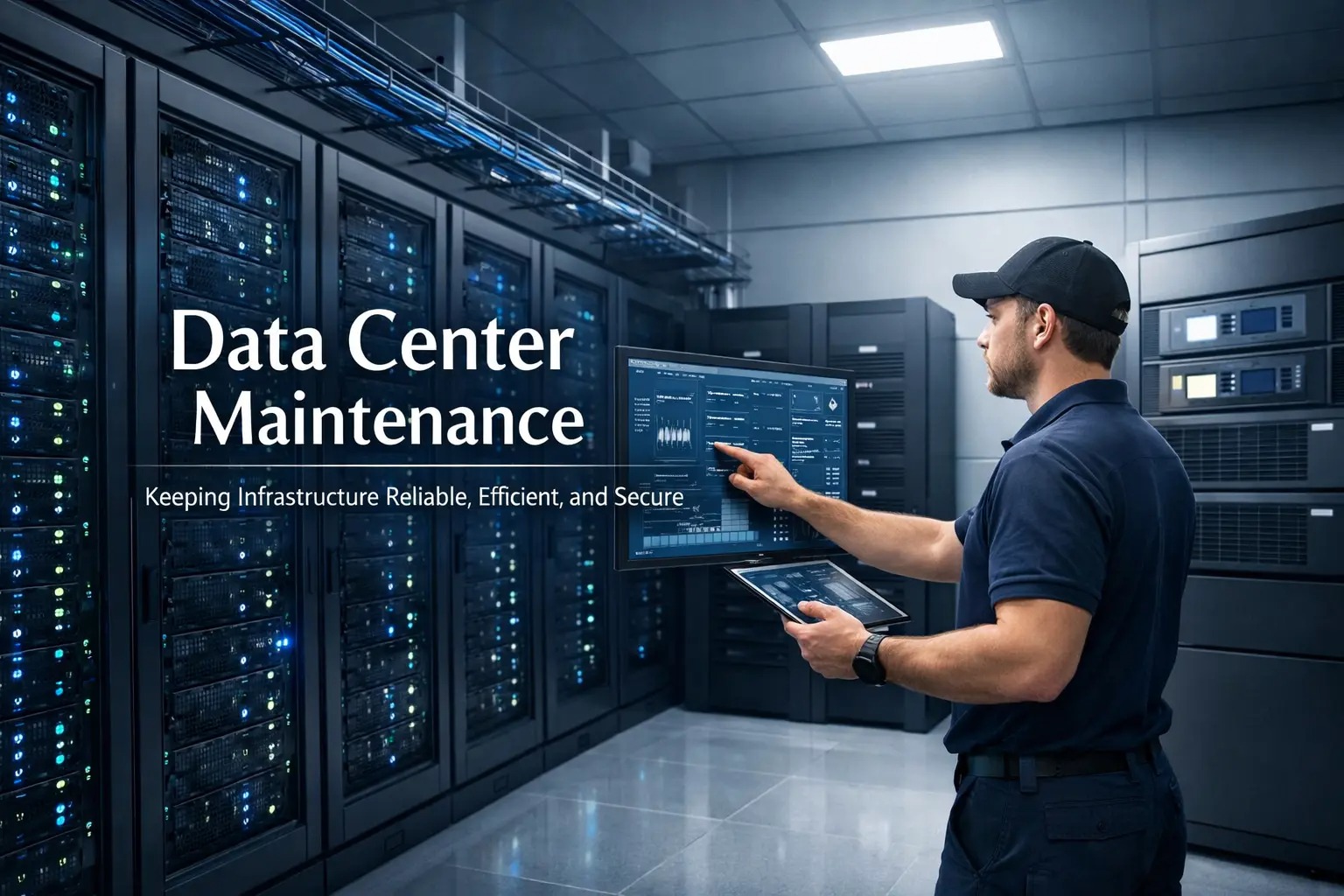
Data center maintenance is the ongoing work that keeps your facility, servers, and supporting systems running safely, efficiently, and reliably. Think of it as “care and feeding” for the environment that powers your applications, so you get steady performance instead of surprise outages.
It includes scheduled tasks (like inspections and updates), continuous infrastructure monitoring (watching for early warning signs), and fast fixes when something fails. Done well, maintenance is quiet, predictable, and boring, in the best way.
Most outages don’t come from one dramatic event. They come from small issues that stack up: a clogged air filter, a battery drifting out of spec, a failing fan, a misconfigured network port, or a patch that never got applied.
Maintenance reduces the “unknowns.” By testing, cleaning, and validating systems regularly, you avoid the kind of failures that take down racks, zones, or entire rooms. Higher data center uptime isn’t magic, it’s consistency.
Cooling and power problems can quietly throttle performance or increase error rates. Good maintenance keeps temperatures stable, power clean, and workloads predictable, while also preventing energy waste from inefficient cooling or overloaded circuits.
Security isn’t only firewalls. It’s also physical access controls, camera coverage, logs, firmware updates, and reliable backups. Routine server maintenance and disciplined change management help close gaps before they turn into incidents.
Maintenance usually falls into three buckets. Most organizations use all three, just with different emphasis depending on maturity and risk tolerance.
This is scheduled, planned work: cleaning, testing, patching, inspections, and replacements based on time or usage. Preventive maintenance is the backbone of stable operations.
Predictive maintenance uses trends and alerts, often driven by infrastructure monitoring, to act before a failure happens. Example: a UPS battery showing declining capacity, or a server’s fan speed ramping up over weeks.
This is the repair work after something fails. Corrective maintenance is unavoidable sometimes, but the goal is to make it rare, and to have a clear, rehearsed process when it does happen.
Quick comparison table
Type | When it happens | Primary goal | Simple example |
Preventive | On a schedule | Reduce failures | Quarterly thermal inspection |
Predictive | When metrics drift | Catch issues early | Replace battery trending low |
Corrective | After a fault | Restore service | Swap a failed PSU |
A modern data center is an ecosystem. If one part slips, everything downstream feels it. The most effective programs cover the full stack—facility to server.
Firmware/BIOS updates and validated patch cycles
Disk health checks (SMART alerts, wear levels) and replacement planning
Fan/temperature monitoring, dust control, and airflow validation
Backup verification (not just “backup success,” but “restore works”)
Spare parts strategy (PSUs, drives, NICs) to reduce downtime
Cooling is like the data center’s lungs. If airflow is blocked or setpoints drift, hotspots form, often in the racks you least expect. Cooling maintenance commonly includes filter changes, coil cleaning, leak checks, calibration, and verifying hot/cold aisle separation.
Power issues can be sudden and severe. Maintenance typically covers UPS testing, battery health, generator readiness, ATS inspections, PDU checks, grounding, and thermal scans for “invisible” risks like loose connections.
Networking maintenance focuses on stability and clarity: cable management, port labeling, configuration backups, redundancy checks, and planned upgrades that avoid untested changes during peak business hours.
Infrastructure monitoring ties everything together by turning “we think it’s fine” into “we know it’s fine.” You watch temperature, humidity, power draw, UPS status, link errors, disk health, alerts, and capacity, so you can act early instead of reacting late.
Here’s an easy analogy: data center maintenance is like maintaining a fleet of delivery trucks. If you only fix trucks after they break down on the highway, deliveries are late and customers get angry. But if you do oil changes, tire checks, and diagnostics on schedule, the fleet runs smoothly, and breakdowns become exceptions.
Preventive: A monthly checklist catches a clogged filter before it creates a hotspot.
Predictive: Monitoring shows rising error rates on a switch port, so you replace a cable before users notice.
Corrective: A power supply fails, but a documented runbook and onsite spares keep the impact contained.
This checklist is designed to be easy to scan and easy to execute. Adjust the frequency based on your environment, workload criticality, and compliance needs.
Document everything: Asset inventory, network diagrams, rack elevations, vendor contacts, and escalation paths.
Standardize change windows: Schedule updates during low-risk periods with rollback plans.
Test redundancy: Regularly validate failover paths (power feeds, network links, clustering) instead of assuming they work.
Verify backups with restores: Run routine restore tests for critical systems and data.
Patch with discipline: Maintain a predictable cadence for OS/firmware updates and track exceptions.
Watch the environment: Temperature, humidity, airflow, and water detection, alerting plus trend reviews.
Keep spares on hand: Right-sized inventory for common failure parts (drives, PSUs, fans, optics).
Review alarms weekly: Don’t just “close tickets”, look for recurring patterns and root causes.
Run drills: Practice incident response so corrective maintenance is fast and calm.
SLA support (Service Level Agreement support) is a formal commitment to response times, resolution targets, and service scope. In simple: it’s the difference between “we’ll try” and “we guarantee.”
Response time: How quickly an engineer engages after an alert or ticket.
Resolution targets: Expected timelines for restoration or workaround.
Coverage hours: Business hours vs 24/7/365.
Escalation path: Who gets pulled in, and when.
Preventive scope: What is included in scheduled maintenance vs billable extras.
For CTOs and IT managers, an SLA is also a planning tool. It helps you quantify risk, budget appropriately, and communicate reliability expectations to the business.
EXETON works best as the “steady hand” behind your operations, helping you standardize maintenance, strengthen data center uptime, and reduce last-minute surprises. That can mean structured server maintenance, continuous infrastructure monitoring, and SLA support that gives you clear expectations when seconds matter.
The goal isn’t to add process for the sake of process. It’s to make reliability repeatable, so your team can focus on business outcomes, not firefighting.
Some tasks are continuous (monitoring and alerts), some are weekly or monthly (alarm reviews, inspections), and others are quarterly or annual (battery tests, thermal scans, generator readiness). The best frequency depends on how critical your workloads are and how much redundancy you have.
Facility maintenance covers power, cooling, physical security, and the environment. IT maintenance covers servers, storage, network devices, and software/firmware health. Reliable operations require both working together.
Not always. With redundancy and good planning, many tasks can be done with no customer impact. When downtime is required, it should be scheduled, communicated, and paired with a rollback plan.
Skipped updates, poor documentation, untested failover, dusty or blocked airflow, aging batteries, and changes made without validation are frequent culprits. A consistent maintenance program addresses these directly.
If you want a maintenance approach that’s straightforward, measurable, and built around data center maintenance best practices, EXETON can help you put structure behind uptime, backed by clear SLA support. When you’re ready, contact Exeton sales and share your current setup and goals, and we’ll help map a maintenance plan that fits your environment and risk tolerance.